
Solana wallets budget
The Solana Ecosystem works best when the purchase path is explicit. Verify the source, compare the offer against real alternatives, check the total cost, and confirm what happens after payment before you decide. After each comparison, write down the one risk that would change your mind. If the seller, condition, support, warranty, shipping, or upkeep still feels uncertain, resolve that question before moving to checkout.
The simplest way to use this section is to verify the seller, compare the total cost, and resolve the biggest risk before you commit.
Shortlist real options
Choosing a Solana wallet depends on whether you prioritize ease of use, security, or specific DeFi features. The market is dominated by software wallets for daily trading, with hardware options reserved for long-term storage. Phantom and Solflare remain the primary contenders for hot wallets, offering robust NFT support and integrated staking.
For those holding significant assets, a three-wallet system is the standard security practice. This involves using a hardware wallet like Ledger or Keystone for cold storage, a dedicated browser extension like Phantom for active DeFi interactions, and a separate burner wallet for high-risk airdrops or new protocol testing. This separation limits exposure if a single wallet is compromised.
When evaluating wallets, focus on custody type, supported assets, and security features. Software wallets offer convenience but rely on your device's security. Hardware wallets provide offline protection but require more steps for transactions. The table below compares the leading options based on official features and community adoption.
| Wallet | Type | Security | Best For |
|---|---|---|---|
| Phantom | Hot | Seed phrase, biometric | Daily DeFi & NFTs |
| Solflare | Hot | Seed phrase, biometric | Staking & Simplicity |
| Ledger | Cold | Hardware chip | Long-term holding |
| Backpack | Hot | Seed phrase, biometric | Advanced traders |
Phantom is widely regarded as the default entry point for Solana users due to its intuitive interface and deep integration with Solana-based applications. Solflare offers a comparable experience with a strong focus on staking rewards and portfolio visualization. Backpack has emerged as a favorite among power users for its integrated browser and security tools.
Inspect the expensive parts
Solana’s speed is its greatest asset, but it creates unique failure points that can cost you everything. Unlike slower chains where a wrong transaction might just sit in a backlog, Solana transactions confirm in seconds. If you interact with a malicious contract or a buggy dApp, your funds are gone before you can react. The cost of a mistake here is not a lost deposit; it is a drained wallet.
Most users lose funds not because the blockchain failed, but because they skipped basic due diligence. You do not need to be a developer to avoid these traps. You just need to treat every new protocol or wallet connection like a physical inspection. Look for the cracks before you load the cargo. This checklist focuses on the high-cost errors that are easy to miss but simple to prevent.
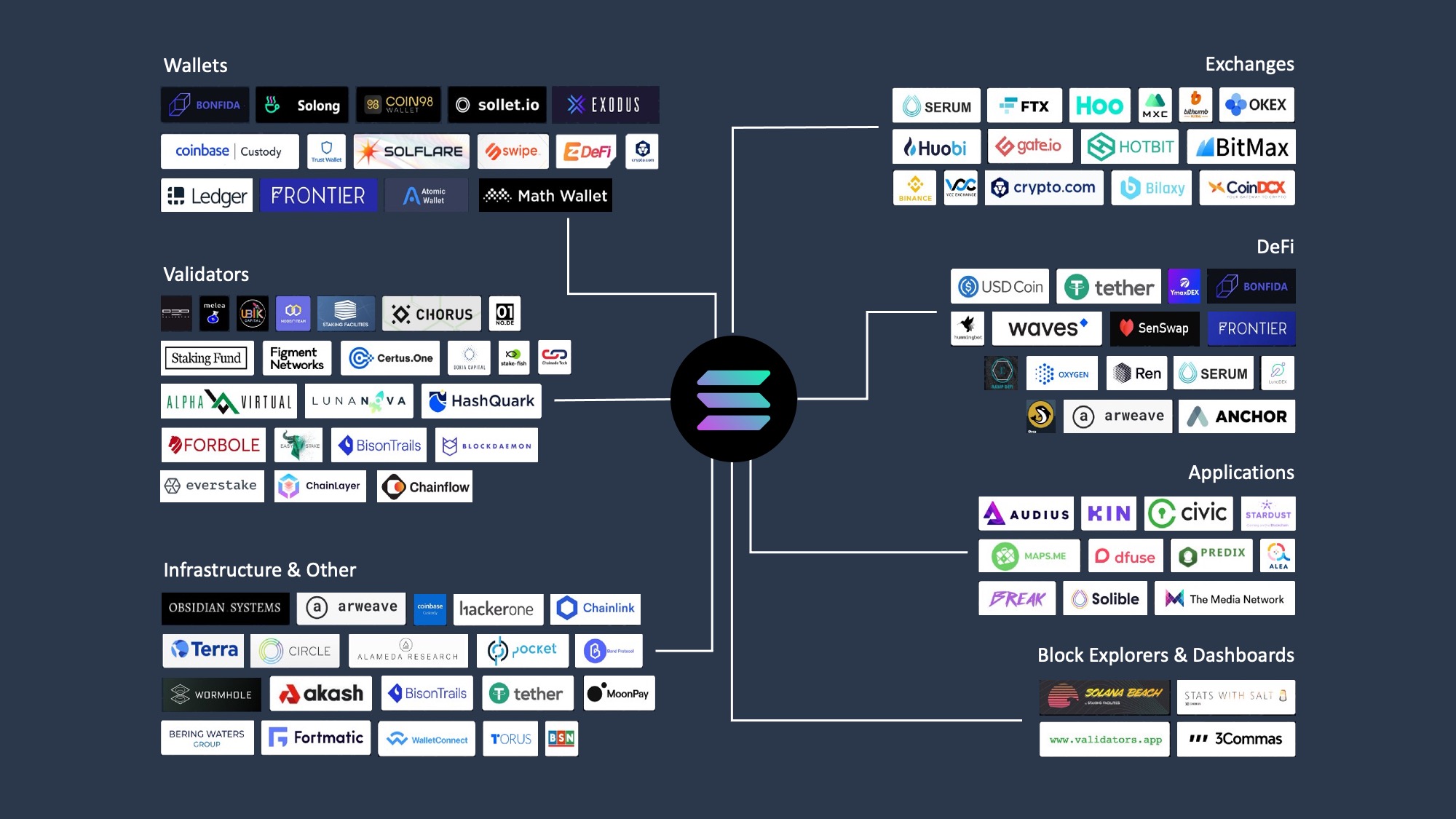
Scammers often create fake versions of popular tokens like USDC or WIF with similar names. Before you swap or stake, copy the official contract address from the project’s verified Twitter or website. Paste it into a block explorer like Solscan to confirm the token details. If the decimals or name don’t match exactly, stop. You are looking at a honeypot.
High-yield staking platforms are the most common targets for exploits. Never connect your wallet to a new DeFi protocol without checking if it has been audited by a reputable firm like OtterSec or Neodyme. Look for the audit report link on the project’s official website. An unaudited protocol offering 20% APY is not an investment; it is a lottery ticket where you are likely to lose.
When you connect Phantom or Solflare to a dApp, you are granting it temporary access to your assets. Always review the specific permissions requested. If a simple NFT minting site asks for "unlimited approval" of your USDC, reject it. Revoke unnecessary permissions regularly using tools like Revoke.cash. This limits the damage if the dApp developer turns malicious later.
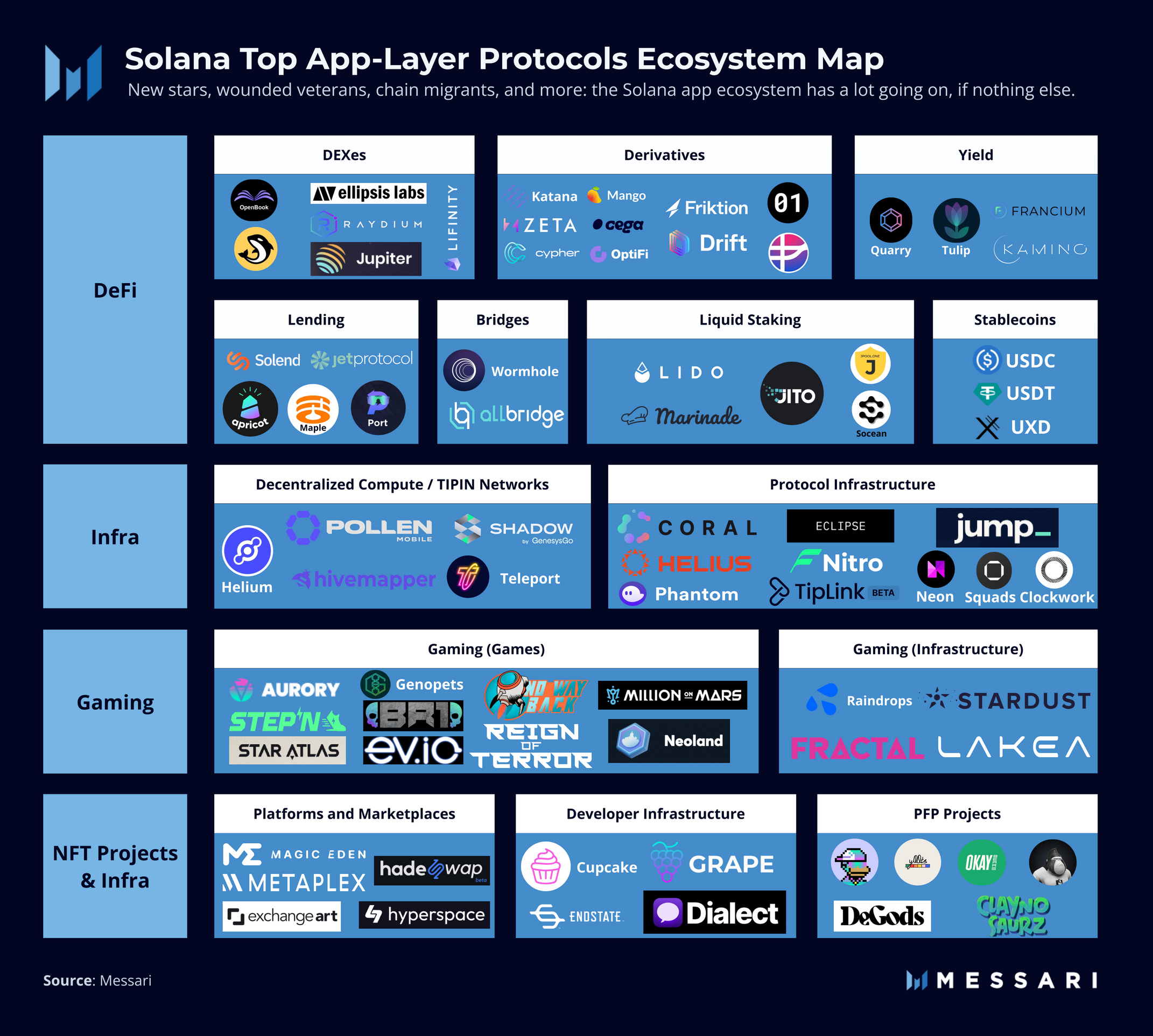
Never move your entire portfolio into a new platform or token on the first try. Send a small, testable amount—like 0.1 SOL or $5 worth of tokens—to verify that deposits and withdrawals work as expected. If the transaction fails or the funds disappear, you have saved the majority of your assets. This small friction prevents catastrophic loss.
Plan for ownership costs
A wallet’s sticker price is only the entry fee. The real cost of ownership comes from the hidden fees, maintenance habits, and security upgrades that accumulate over time. When you hold Solana, you are paying for custody, access, and safety. Cheap hardware is a good deal only if it doesn’t force you to pay more later in lost tokens or convenience fees.
Hardware: The upfront investment
Hardware wallets like Ledger or Keystone are the standard for cold storage. They cost money upfront, but they eliminate the risk of exchange hacks or malware draining your hot wallet. The tradeoff is friction: signing transactions requires physical interaction. If you trade daily, this friction is a feature, not a bug, but it does mean you are paying for peace of mind.
Software: The time cost
Software wallets like Phantom or Solflare are free, but they demand constant vigilance. You are responsible for securing your seed phrase, updating the app, and verifying every transaction. The "cost" here is your attention. A single phishing click can wipe out years of gains. Free software shifts the security burden entirely onto you.
When cheap stops being cheap
A $20 hardware wallet that lacks Solana support is a bad buy. You’ll end up buying a second device or leaving your Solana exposed in a hot wallet. Similarly, a "free" wallet that doesn’t support staking directly forces you to use third-party validators with higher fees or less transparency. Always check if the wallet’s features align with your strategy before you buy.


As an Amazon Associate, we may earn from qualifying purchases.
The goal is to match the wallet to your usage. If you hold long-term, a hardware wallet is non-negotiable. If you trade frequently, a reputable software wallet with strong security hygiene is the better fit. Don’t let the initial price tag dictate your choice; let your security needs do that.
Solana wallets and investment: what to check next
Choosing the right Solana wallet often comes down to balancing ease of use with security needs. Most users start with a hot wallet for daily transactions, while long-term holders prefer cold storage to protect their assets from online threats. The following answers address common practical concerns before you make a decision.
No comments yet. Be the first to share your thoughts!