
Solana wallets: budget, age, and condition choices that change the plan
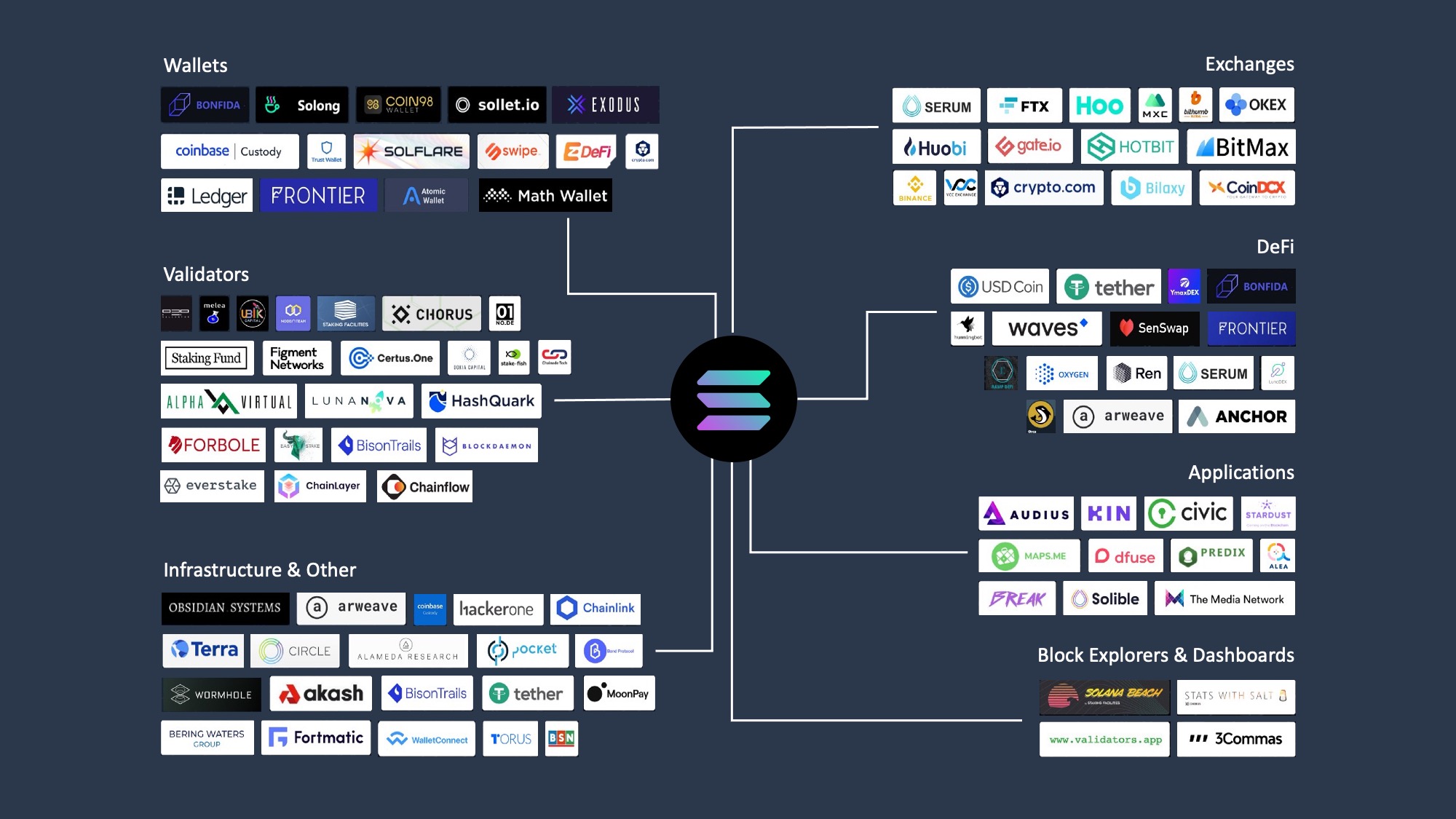
Choosing a Solana wallet is less about finding the "best" app and more about matching your storage needs to your budget and security tolerance. The market splits cleanly into hot wallets for daily activity and cold storage for long-term holding. Your decision should hinge on how much Solana you hold, how often you trade, and whether you prioritize convenience or absolute control over your keys.
For most users, a hot wallet like Phantom or Solflare offers the best balance of speed and usability. These are free to download and integrate directly with Solana’s dApps, NFT marketplaces, and staking protocols. They are ideal for active traders who need to swap tokens or claim airdrops daily. However, because they are connected to the internet, they carry higher risk. Treat them like a digital wallet in your pocket: useful for spending, but not for storing your life savings.
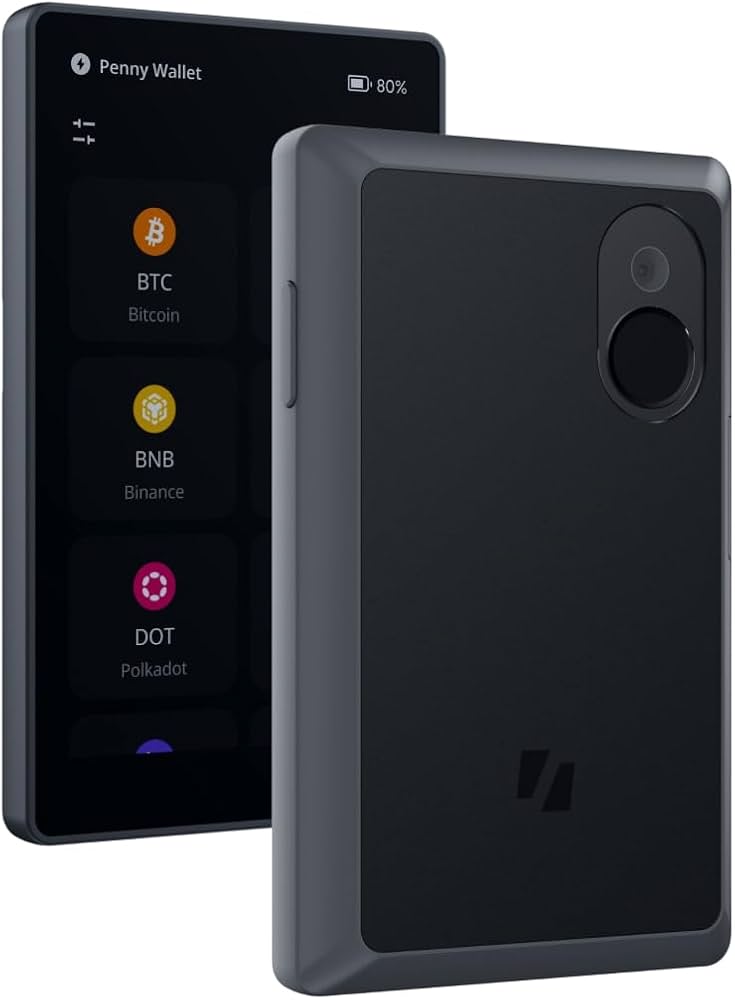
If you hold significant value, cold hardware wallets provide a critical security layer. Devices from Ledger, Trezor, or Keystone store your private keys offline, making them immune to remote hacking. The tradeoff is cost and friction. You must purchase the hardware (typically $50–$150) and physically approve transactions, which slows down frequent trading. For long-term holders who value peace of mind over speed, this is the non-negotiable standard.
The condition and age of your device matter as much as the brand. Hardware wallets have firmware updates that patch security vulnerabilities; an outdated Ledger or Trezor is a liability. Similarly, hot wallets require regular app updates to remain compatible with Solana’s evolving network. Always verify you are downloading from official sources—phishing sites mimic popular wallet interfaces to steal funds. Never share your recovery phrase, and consider a "three-wallet system": a small hot wallet for daily use, a larger hot wallet for savings, and a cold wallet for long-term storage.


As an Amazon Associate, we may earn from qualifying purchases.
Shortlist real options
Choosing the right Solana wallet depends on whether you prioritize ease of use for daily trading or security for long-term holding. The ecosystem offers distinct options for different needs, from hot wallets that connect directly to dApps to cold storage devices that keep keys offline.
Phantom remains the most popular choice for most users, offering a clean interface, robust NFT support, and seamless integration with Solana’s DeFi platforms. It is the go-to for active traders and NFT collectors who need quick access to their assets. For those seeking a more traditional banking-style experience with multi-chain support, Exodus provides strong customer support and a user-friendly desktop and mobile environment.
Security-conscious users often pair a hot wallet with a hardware device. Ledger and Trezor are the industry standards for cold storage, allowing you to sign transactions securely without exposing private keys to the internet. Keystone offers an air-gapped alternative, which appeals to users who want maximum isolation from connected devices.
To help you decide, we have compared the key features of the leading Solana wallets below. This comparison focuses on platform availability, custody type, and supported features like staking and NFT management.
| Wallet | Platform | Custody | Staking | NFTs |
|---|---|---|---|---|
| Phantom | Mobile, Desktop, Browser | Non-custodial | Yes | Yes |
| Solflare | Mobile, Desktop, Browser | Non-custodial | Yes | Yes |
| Exodus | Desktop, Mobile | Non-custodial | Yes | Yes |
| Ledger | Hardware Device | Hardware (Cold) | Via Partner Apps | Yes |
| Keystone | Hardware Device | Hardware (Air-gapped) | Via Partner Apps | Yes |
For real-time Solana price movement, which often influences wallet activity and trading volume, check the live chart below.
Inspect the expensive parts
Solana’s high throughput means transaction fees are negligible, but smart contract vulnerabilities and wallet misconfigurations can still drain an entire portfolio in seconds. Before you connect a wallet to a high-yield platform or mint a high-value NFT, run through this inspection checklist to identify the most common failure points.
1. Verify the smart contract address
Scammers frequently create fake tokens with names that mimic legitimate projects (e.g., "Bonk" vs. "Bonk2"). Always copy the contract address directly from the project’s official website or verified Solana Explorer entry. Never click a link sent via Discord, Telegram, or email. A single typo or a malicious redirect can send your SOL to a honeypot contract from which you cannot recover it.
2. Check wallet security settings
Most Solana wallets allow you to set transaction limits and revoke approvals for previously connected dApps. Before interacting with a new DeFi platform, go into your wallet’s security settings and revoke any old approvals. This prevents a compromised dApp from draining your wallet even after you’ve disconnected it. For cold storage users, ensure your hardware device is updated to the latest firmware to support the latest Solana program updates.
3. Review the platform’s audit status
Do not deposit funds into a DeFi protocol that hasn’t undergone a professional security audit. Look for audits from reputable firms like OtterSec, Kudelski Security, or Trail of Bits. Read the audit report yourself, not just the summary on the project’s homepage. Pay attention to any "high" or "critical" severity issues that were left unresolved. If a project claims to be "audited" but provides no link to the report, treat it as a red flag.
4. Test with a small amount first
Never move your entire portfolio into a new platform or wallet in one transaction. Send a small test amount (e.g., 0.1 SOL) first. Verify that the transaction confirms on Solana Explorer and that the funds arrive correctly in the destination wallet or protocol. This step catches issues with network congestion, incorrect token decimals, or platform-specific withdrawal delays before you commit significant capital.
5. Monitor for phishing domains
Phishing sites often look identical to legitimate Solana dApps but use slightly different URLs (e.g., "solana-wallet.com" instead of "phantom.app"). Bookmark the official URLs of the wallets and platforms you use regularly. Avoid searching for them in search engines, as paid ads can lead to fake sites. If you’re redirected to a login page that doesn’t match your bookmarked URL, close the tab immediately and clear your browser cache.
Plan for ownership costs
A wallet’s sticker price is only the first expense. The real cost of owning a Solana wallet comes from the hidden friction of maintenance, security, and opportunity. A cheap device stops being cheap when you factor in the time spent recovering lost keys, the fees for bridging assets across chains, or the yield lost while waiting for a hardware wallet to sync.
Hardware wallet realities
Hardware wallets like Ledger or Trezor offer superior security but introduce friction. You must manage firmware updates, verify address checksums manually, and sometimes pay for third-party integration tools to interact with Solana dApps. If you trade frequently, this manual verification slows you down. For long-term holders, the security premium is worth it, but for active traders, the time cost can outweigh the device’s low upfront price.
Software wallet trade-offs
Software wallets like Phantom or Solflare are free and instant, but they carry "convenience taxes." You pay with exposure: a compromised phone can mean lost funds. Additionally, some free wallets monetize user data or offer lower staking yields to incentivize platform loyalty. Always check the staking APY directly against the network’s average to ensure you aren’t subsidizing the wallet provider’s business model.
The three-wallet system
Many experienced Solana users adopt a three-wallet system to manage costs and risks effectively:
- Hot Wallet: For daily transactions and dApp interactions. Low security, high convenience.
- Cold Wallet: For long-term storage. High security, low convenience.
- Backup Wallet: A mirrored hot wallet for emergencies. Ensures access if the primary device is lost or stolen.
This system balances security and usability, preventing the high cost of total loss while maintaining access to the ecosystem.


As an Amazon Associate, we may earn from qualifying purchases.
Solana wallet: what to check next
Choosing a Solana wallet involves balancing ease of use with security. Most users start with a hot wallet for daily transactions, while keeping larger holdings in cold storage. Here are the most common questions readers ask before setting up their Solana wallet.
No comments yet. Be the first to share your thoughts!