
Solana wallets: budget, age, and condition choices that change the plan
Choosing a Solana wallet isn't just about software; it's about the hardware that secures your keys. The "budget" you choose dictates the physical durability and security layer of your setup. For most users, the tradeoff is simple: lower upfront cost often means relying on software-only solutions, while higher budgets buy cold storage hardware that survives spills, drops, and theft attempts.
Software Wallets: The Entry-Level Option
Phantom and Solflare are the standard-bearers here. They are free to download and ideal for daily trading or interacting with dApps. However, they live on your phone or browser. If your device is lost or infected with malware, your funds are exposed. This is the "budget" tier of security—convenient but fragile. Use these for small amounts you intend to spend or trade actively.
Hardware Wallets: The Long-Term Investment
For larger holdings, a hardware wallet like Ledger or Trezor is the only sensible choice. These devices cost between $50 and $150. The price buys you a secure element chip that never exposes your private keys to the internet. The tradeoff is friction: you must physically connect the device to sign transactions. This extra step is the insurance premium for your Solana holdings.
Condition and Age Matter
When buying used hardware wallets, age and condition are critical. A wallet that has been dropped or has a cracked screen may have compromised internal integrity. Always buy new or from verified official channels. If you must buy used, check the device's seed phrase recovery process carefully—a compromised device can silently steal funds during a restore attempt. Never reuse a seed phrase from a device of unknown origin.
The Verdict
Start with a software wallet for small, active balances. Move significant funds to a hardware wallet as soon as your portfolio grows. The cost of the hardware is negligible compared to the risk of losing everything to a simple software exploit or device theft.
Shortlist real options
Choosing a Solana wallet depends on how you plan to use your assets. The ecosystem has matured significantly, offering distinct options for different user profiles. Phantom remains the dominant choice for daily interactions and dApp connectivity, serving over 15 million users with a polished interface. Solflare provides a robust alternative, particularly for those prioritizing staking ease and multi-chain functionality. For hardware security, Ledger and Trezor offer cold storage solutions that integrate with these software interfaces.
When comparing wallets, focus on three core areas: security features, supported tokens, and user experience. Phantom excels in browser extension usability and NFT display, making it ideal for active traders and collectors. Solflare offers a cleaner mobile experience and built-in staking rewards distribution. Hardware wallets like Ledger require pairing with Phantom or Solflare for full functionality but provide the highest level of asset protection against online threats.
The following table compares the key features of the leading Solana wallets to help you decide which fits your needs.
| Wallet | Type | Platforms | Staking | NFT Support |
|---|---|---|---|---|
| Phantom | Software | Mobile, Desktop, Extension | Yes, Delegated | Advanced |
| Solflare | Software | Mobile, Desktop, Extension | Yes, Native | Standard |
| Ledger | Hardware | Hardware Device | Via Partner Apps | Via Partner Apps |
| Trezor | Hardware | Hardware Device | Via Partner Apps | Limited |
For users in the USA, Phantom is legal to use, though regulatory landscapes can shift. If you are deciding between a centralized exchange like Coinbase or Kraken and a self-custody wallet like Phantom, consider your control preferences. Exchanges offer fiat on-ramps and customer support but hold your keys. Phantom gives you full custody and access to the broader Solana ecosystem, including DeFi and NFTs, but requires you to manage your own security. Most users start with Phantom for its ease of use and widespread dApp compatibility.
Inspect the expensive parts
Before committing funds, treat your Solana wallet like a bank vault where the lock mechanism matters more than the door. A wallet is not just a storage container; it is the gateway to programmable blockchain services and dApps. If the foundation is flawed, every transaction becomes a liability. Focus your inspection on the three areas where failure costs the most: security architecture, dApp compatibility, and regulatory standing.
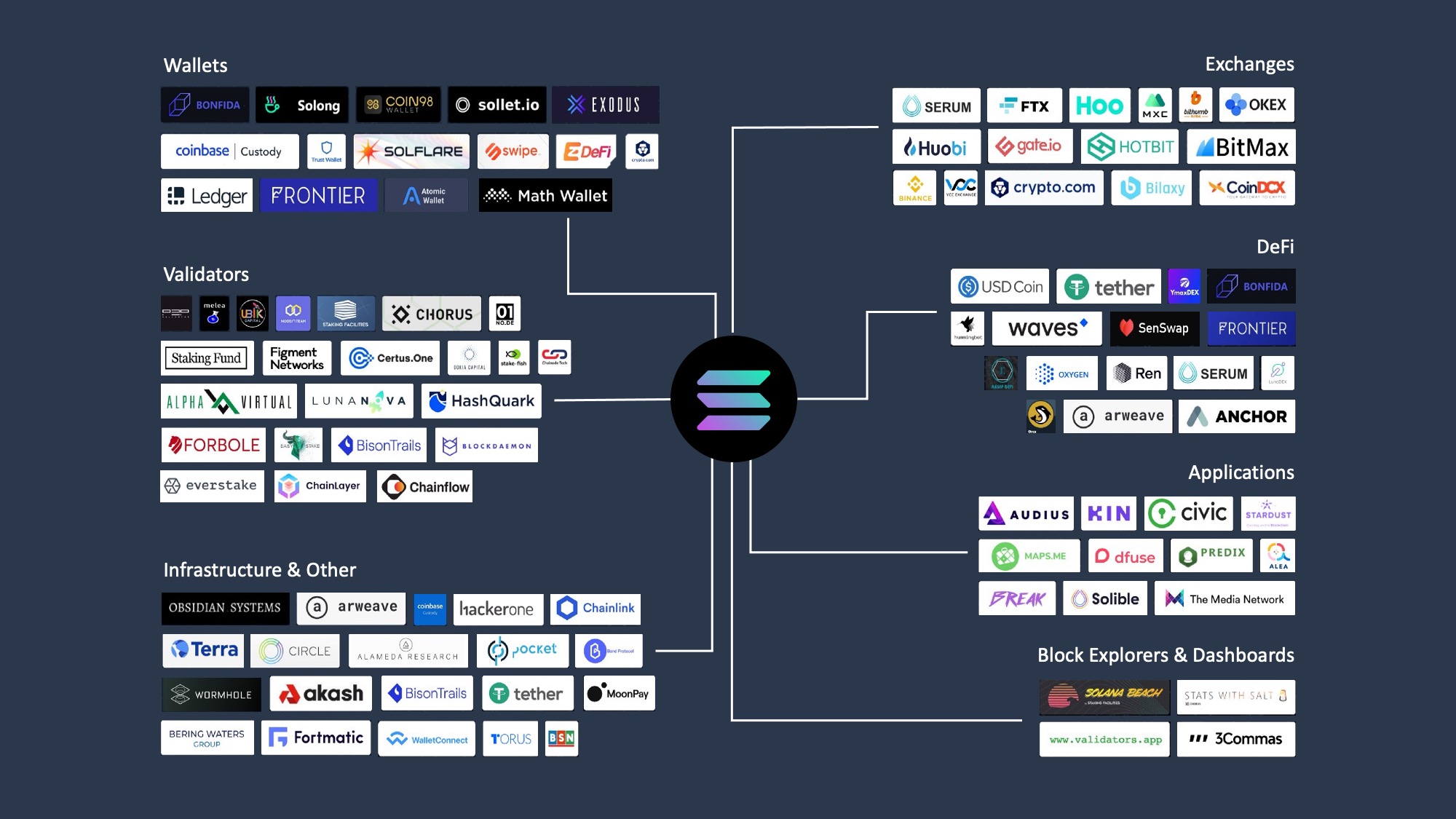
Check how the wallet handles private keys. Top-tier wallets like Phantom and Solflare use local encryption, ensuring your keys never leave your device. Avoid wallets that store keys on centralized servers unless you fully trust the custodian. Look for features like transaction simulation, which previews the outcome of a swap before you sign, preventing costly mistakes on the Solana network.
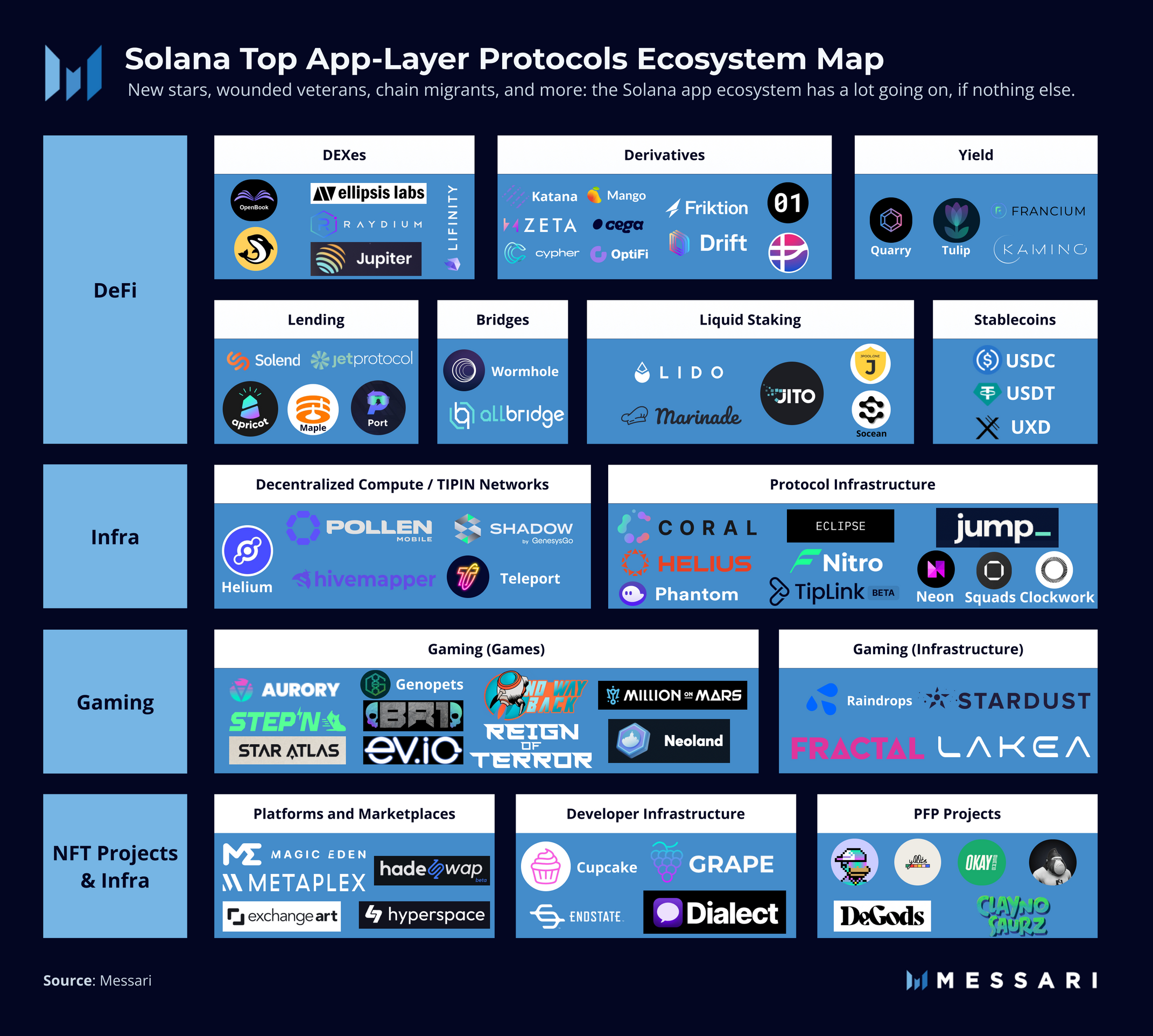
A wallet is useless if it cannot interact with the apps you want to use. Ensure your chosen wallet integrates seamlessly with major Solana dApps, NFT marketplaces, and DeFi protocols. Phantom is widely regarded for its daily usability and broad integration, while Solflare offers robust support for staking directly within the interface. Test a small transaction on a testnet or with a minimal amount to verify connectivity.
Verify the wallet’s legal status in your jurisdiction. In the USA, Phantom wallet operates legally, but features may vary by region. Always check the provider’s official terms of service and compliance statements. Using a wallet that has restricted access or has been flagged for regulatory issues can lead to frozen assets or inability to exit the ecosystem. Official sources like solana.com/wallets provide authoritative guidance on supported regions.
Plan for ownership costs
A free wallet download is rarely the end of the transaction. While the software itself is free, the true cost of ownership on Solana comes from network fees, storage overhead, and the time required to manage security. Understanding these variables prevents the "cheap buy" trap where low upfront costs are offset by hidden friction or technical debt.
Network fees and rent
Every interaction on Solana—swapping tokens, minting an NFT, or even storing a small amount of SOL—requires a transaction fee. While Solana’s fees are fractions of a cent compared to Ethereum, they accumulate. More importantly, accounts must maintain a minimum balance to cover "rent" (storage costs). If your wallet balance drops below this threshold, the account can be closed, potentially locking your assets or requiring a costly recovery process. Always keep a small buffer of SOL (0.01–0.02 SOL) in active wallets to keep accounts alive.
Security maintenance
Security is not a one-time setup. You are responsible for backing up your seed phrase and keeping your device secure. If you lose your device and your backup, your funds are gone forever. This is the ultimate cost of self-custody. For users who find this burden too high, a centralized exchange like Coinbase or Kraken may be more practical, though it introduces counterparty risk. The choice isn't just about fees; it's about who bears the risk of loss.
Hidden operational costs
Some wallets charge for premium features like advanced analytics, staking dashboards, or cross-chain bridge services. While most core wallets like Phantom and Solflare offer these for free, always check if a specific dApp or wallet plugin requires a subscription or takes a cut of your transaction volume. Additionally, consider the time cost: managing multiple wallets for different chains or separating "hot" and "cold" storage requires discipline and effort.


As an Amazon Associate, we may earn from qualifying purchases.
Solana wallet: what to check next
Choosing the right Solana wallet often comes down to specific needs rather than general preference. Whether you are comparing established mobile apps against centralized exchanges, or checking regulatory status before depositing funds, these practical answers address the most common objections readers face.
Is Phantom or Solflare better?
Both wallets are solid choices, but they serve different workflows. Phantom is generally preferred for daily use because it integrates seamlessly with the widest range of decentralized applications (dApps) and NFT marketplaces on Solana. Solflare offers a robust alternative with strong security features, but Phantom’s user base of over 15 million users reflects its dominance in the ecosystem for routine transactions and DeFi interactions [src-serp-2][src-serp-3].
Is Phantom wallet legal in the USA?
Yes, Phantom is legal to use in the United States. It operates as a non-custodial wallet, meaning you control your private keys rather than trusting a third party with your assets. This structure generally places it within regulatory compliance for individual users in the US, provided you follow local tax reporting requirements for any gains or transactions [src-serp-1].
Is Kraken or Phantom better?
The choice depends on whether you prioritize convenience or full self-custody. Kraken is a centralized exchange (CEX) that offers fiat on-ramps, customer support, and higher liquidity for trading large volumes. Phantom is a self-custody wallet that gives you direct ownership of your Solana assets and access to the broader web3 ecosystem, but requires you to manage security and seed phrases yourself [src-serp-4].
Should I use Coinbase or Phantom wallet?
Coinbase is better for buying Solana with fiat currency and holding it in a regulated environment with insurance coverage. Phantom is better for actually using your Solana—swapping tokens, staking, or interacting with dApps. Most users start with Coinbase to acquire assets, then transfer them to Phantom for active participation in the Solana network [src-serp-2][src-serp-4].
No comments yet. Be the first to share your thoughts!