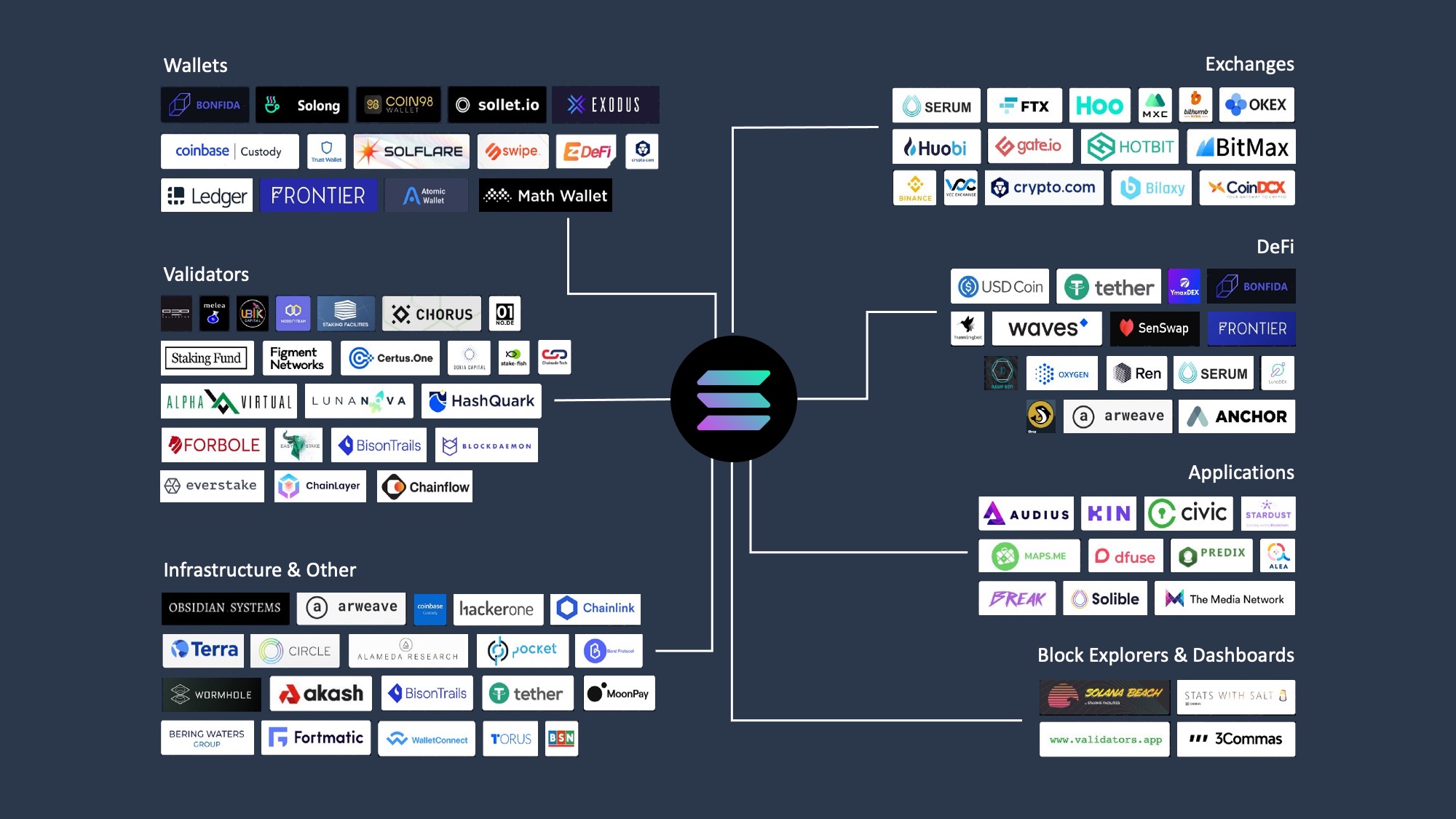

How to pick a Solana wallet
Choosing the right Solana wallet depends on three core factors: security architecture, user experience, and DeFi compatibility. Solana wallets serve as the primary gateway to web3 applications, meaning the tool you select dictates how safely and efficiently you interact with the ecosystem [1].
Security and Self-Custody
The most critical criterion is how the wallet manages private keys. Non-custodial wallets keep your seed phrase on your device, giving you full control but also full responsibility. If you lose your seed phrase, your funds are unrecoverable. Hardware wallets offer the highest security by storing keys offline, protecting against online threats. Always verify that a wallet provider explicitly states they cannot access your funds.
User Experience and Platform
Ease of use varies significantly between browser extensions, mobile apps, and desktop software. For casual users managing a few tokens, a mobile-first wallet like Phantom offers a streamlined interface. For power users requiring detailed transaction debugging or advanced staking controls, Solflare provides a more granular dashboard. Consider which platform (iOS, Android, Chrome, Firefox) you use most frequently to ensure seamless daily access.
DeFi and Ecosystem Compatibility
Not all wallets support the same decentralized applications (dApps). Phantom is widely regarded as the standard for cross-chain activity and general Solana DeFi, supporting a broad range of NFT marketplaces and swap protocols. Solflare is often preferred for deep Solana ecosystem engagement, particularly for staking and governance features. Before committing, check if your wallet supports the specific dApps you plan to use, such as Raydium, Jupiter, or Magic Eden.
Evaluation Checklist
Use this checklist to compare options before installing:
-
Seed Phrase Control: Does the wallet allow you to export your own seed phrase?
-
Platform Support: Is it available on your primary device (mobile or desktop)?
-
DeFi Integration: Does it support the specific dApps or NFT marketplaces you need?
-
Staking Options: Does it offer built-in staking for SOL or SPL tokens?
-
Security Audits: Has the wallet’s code been audited by a reputable third party?
-
Multi-Chain Support: Do you need to manage assets on other chains like Ethereum or Bitcoin?
Phantom: Best for daily DeFi use
Phantom has established itself as the default entry point for Solana, serving over 15 million users who prioritize a clean interface and broad compatibility. It functions less like a standalone vault and more like a browser for the decentralized web, offering seamless integration with the vast majority of Solana dApps. This ubiquity makes it the most practical choice for users who interact with multiple protocols regularly.
The wallet’s strength lies in its unified dashboard, which consolidates token balances, NFT collections, and DeFi positions into a single, readable view. Unlike wallets that bury critical data behind multiple menus, Phantom presents transaction history and asset performance prominently. This design reduces cognitive load, allowing users to monitor their portfolio without switching contexts or opening external explorers.
Security is managed through a familiar seed phrase system, but the interface simplifies complex operations like staking and swapping. Users can stake SOL directly within the app to earn yield or swap tokens via integrated aggregators without leaving the wallet. This frictionless experience is why Phantom remains the top recommendation for casual users and daily DeFi participants.
For those looking to secure their hardware or explore official merchandise, the following options are available on Amazon.


As an Amazon Associate, we may earn from qualifying purchases.
Solflare: Best for advanced staking
Solflare stands out for crypto-native users who prioritize deep engagement with the Solana ecosystem. While Phantom offers broad multi-chain versatility, Solflare is engineered specifically for Solana’s staking mechanics and network participation. It provides a robust interface for managing SOL, staking rewards, and participating in governance without the bloat of unsupported chains.
The wallet’s staking module is its defining feature. Solflare allows users to stake SOL directly through the interface, distributing stakes across multiple validators to optimize rewards and maintain network decentralization. This direct integration simplifies the process of earning yield on idle assets, making it the preferred choice for users focused on long-term holding and passive income generation.
Security remains paramount for high-stakes holdings. Solflare employs a non-custodial model, ensuring private keys never leave the user’s device. It supports hardware wallet integration for enhanced security, allowing cold storage solutions to sign transactions seamlessly. This approach balances accessibility with the rigorous security standards required for significant asset management.
To understand how Solflare compares to other top contenders, review the feature breakdown below.
| Feature | Solflare | Phantom |
|---|---|---|
| Native Staking | Yes (Multi-validator) | |
| Multi-Chain Support | Solana only | |
| Hardware Wallets | Ledger, Trezor | |
| NFT Management | Full support | |
| Governance Voting | Yes |
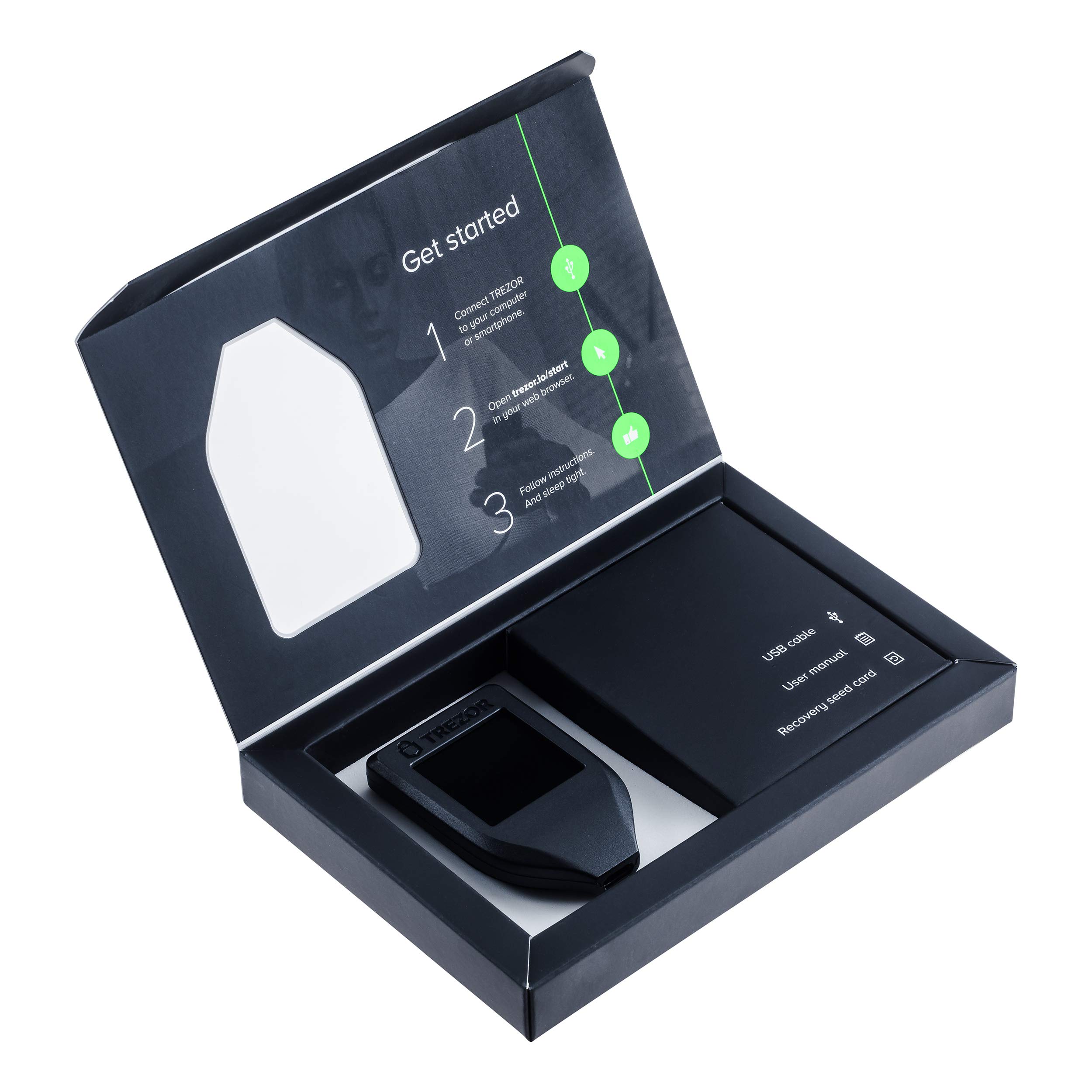
For users ready to secure their Solana assets, hardware options are available to complement software wallets.

As an Amazon Associate, we may earn from qualifying purchases.
Hardware wallets for cold storage
For long-term holding of SOL and tokens, hardware wallets provide the highest level of security by keeping private keys offline. This "cold storage" approach isolates your assets from internet-connected threats, making it the preferred method for significant holdings.
When selecting a hardware wallet for Solana, compatibility is the primary filter. Not all devices support the Solana blockchain natively. You must verify that the device's official firmware includes Solana support before purchasing. Leading options like Trezor and Ledger offer models with dedicated Solana apps, allowing you to sign transactions securely on the device itself without exposing your seed phrase.
Using a hardware wallet requires a bit more friction than a browser extension. You will need to physically connect the device and confirm each transaction on its small screen. This extra step is the price of security, ensuring that even if your computer is compromised, your funds remain safe.


As an Amazon Associate, we may earn from qualifying purchases.
Phantom vs Solflare: Which fits you
Use this section to make the Best Solana Wallets for decision easier to compare in real life, not just on paper. Start with the reader's actual constraint, then separate must-have requirements from details that are merely nice to have. A practical choice should survive normal use, maintenance, timing, and budget. If a recommendation only works in an ideal situation, call that out plainly and give the reader a fallback path.
The simplest way to use this section is to write down the must-have criteria first, then compare each option against those criteria before weighing nice-to-have features.
No comments yet. Be the first to share your thoughts!