
How we picked the best Solana wallets
Choosing a Solana wallet is less about finding a storage box and more about selecting a gateway to the entire ecosystem. We evaluated options like Phantom, Solflare, and hardware leaders like Ledger based on three non-negotiable pillars: security architecture, user experience, and native ecosystem integration.
Security comes first. We prioritized wallets with audited codebases and clear key management practices. Your private keys are the only thing standing between your assets and a total loss, so we favored solutions that keep those keys offline or encrypted locally. Never share your seed phrase with anyone, regardless of how legitimate they appear.
User experience matters because complexity drives errors. We tested the interfaces for speed, clarity, and ease of transaction signing. A wallet that is confusing to use is a security risk in itself. We looked for intuitive designs that make it easy to verify addresses and understand network fees before confirming a swap or transfer.
Finally, we checked for deep ecosystem integration. The best Solana wallets don't just hold tokens; they interact seamlessly with dApps, NFT marketplaces, and DeFi protocols. We verified that each recommended wallet supports the latest Solana standards, ensuring you can use your assets without friction across the platform.
Best overall Solana wallet: Phantom
Phantom has established itself as the default entry point for most Solana users. With over 15 million users, it offers a balance of simplicity and power that appeals to both newcomers and seasoned traders. The interface is clean, making it easy to manage tokens, NFTs, and dApps without feeling overwhelmed.
The built-in dApp browser is a standout feature. It allows you to connect to Solana-based applications directly from your wallet, streamlining your experience. Whether you are swapping tokens on Raydium or minting an NFT on Magic Eden, Phantom handles the connection securely and smoothly. This integration reduces friction and keeps your workflow contained within one trusted environment.
Security is handled with a focus on usability. Phantom supports hardware wallet integration, allowing you to sign transactions with a Ledger or Trezor. This keeps your private keys offline while still giving you access to the full Solana ecosystem. For most users, this combination of ease of use and robust security makes Phantom the best overall choice.

Best for Android users: Solflare
While Phantom dominates the conversation for its polished interface, Solflare stands out as a robust alternative, particularly for Android users who prioritize a different user experience. If you find Phantom’s layout too streamlined or want more granular control over your wallet settings, Solflare offers a distinct, feature-rich environment that doesn’t sacrifice ease of use.
Solflare’s Android app is widely regarded as one of the most stable options on the platform. It provides a clean, intuitive dashboard that makes managing SOL, SPL tokens, and NFTs straightforward. Unlike some competitors that feel cluttered with social features or excessive onboarding prompts, Solflare keeps the focus on what matters: your assets. The interface is responsive, and navigation between the wallet, staking, and swap sections is logical, reducing the friction common in mobile crypto apps.
Staking without compromise
One of Solflare’s strongest selling points is its native staking integration. You can stake SOL directly within the app with a single click, earning rewards without having to leave the interface or use external platforms. The staking process is transparent, showing expected annual percentage yields (APY) and validator performance clearly. This built-in functionality makes it an excellent choice for users who want to grow their holdings passively while maintaining full custody of their keys.
Solflare also supports hardware wallet integration, allowing you to sign transactions securely using devices like Ledger or Trezor. This is a critical feature for high-stakes financial decisions, as it keeps your private keys offline while still enabling easy mobile access. For Android users who value both convenience and security, Solflare strikes a practical balance between accessibility and protection.
Best hardware wallet for Solana: Ledger
When you are moving significant value, keeping your keys online is a gamble you should not take. Hot wallets like Phantom and Solflare are excellent for daily trading, but they are connected to the internet. That connection is a vulnerability. If your computer is compromised, a hot wallet can be drained instantly. A hardware wallet keeps your private keys isolated on a physical device, offline and safe from remote hackers.
Ledger is the standard for this approach. The Ledger Nano X and Ledger Nano S Plus both support Solana natively. You sign transactions on the device itself, so the private key never leaves the secure chip. This means even if your computer is infected with malware, the attacker cannot steal your funds without physical access to your device.
The Ledger Nano X is the better choice for most users because it includes Bluetooth connectivity. This allows you to manage your Solana holdings directly from your phone using the Ledger Live app, while still keeping the keys offline. The Nano S Plus is a great budget alternative if you primarily use a desktop browser and do not need mobile convenience.
For long-term storage, this combination is the gold standard. Use Phantom for active trading and Solflare for specific DeFi interactions, but move your core holdings to a Ledger. It is the financial equivalent of a safety deposit box: you do not carry your life savings in your pocket every day.


As an Amazon Associate, we may earn from qualifying purchases.
Solana wallet comparison table
Phantom, Solflare, and Ledger serve different needs on the Solana network. Phantom offers the smoothest interface for everyday use. Solflare provides robust tools for advanced stakers. Ledger keeps your keys offline for maximum security.
The table below compares these top picks on platform support, security type, and staking capabilities.
| Wallet | Platform | Security | Native Staking |
|---|---|---|---|
| Phantom | Mobile, Desktop, Browser | Non-custodial | Yes |
| Solflare | Mobile, Desktop, Browser | Non-custodial | Yes |
| Ledger | Hardware Device | Hardware (Offline) | Via Partner Apps |
Set up your Solana wallet safely
Your wallet is your identity on Solana. If you lose control of your keys, your funds are gone. Setting up Phantom, Solflare, or a Ledger device correctly is the only way to keep your assets secure.
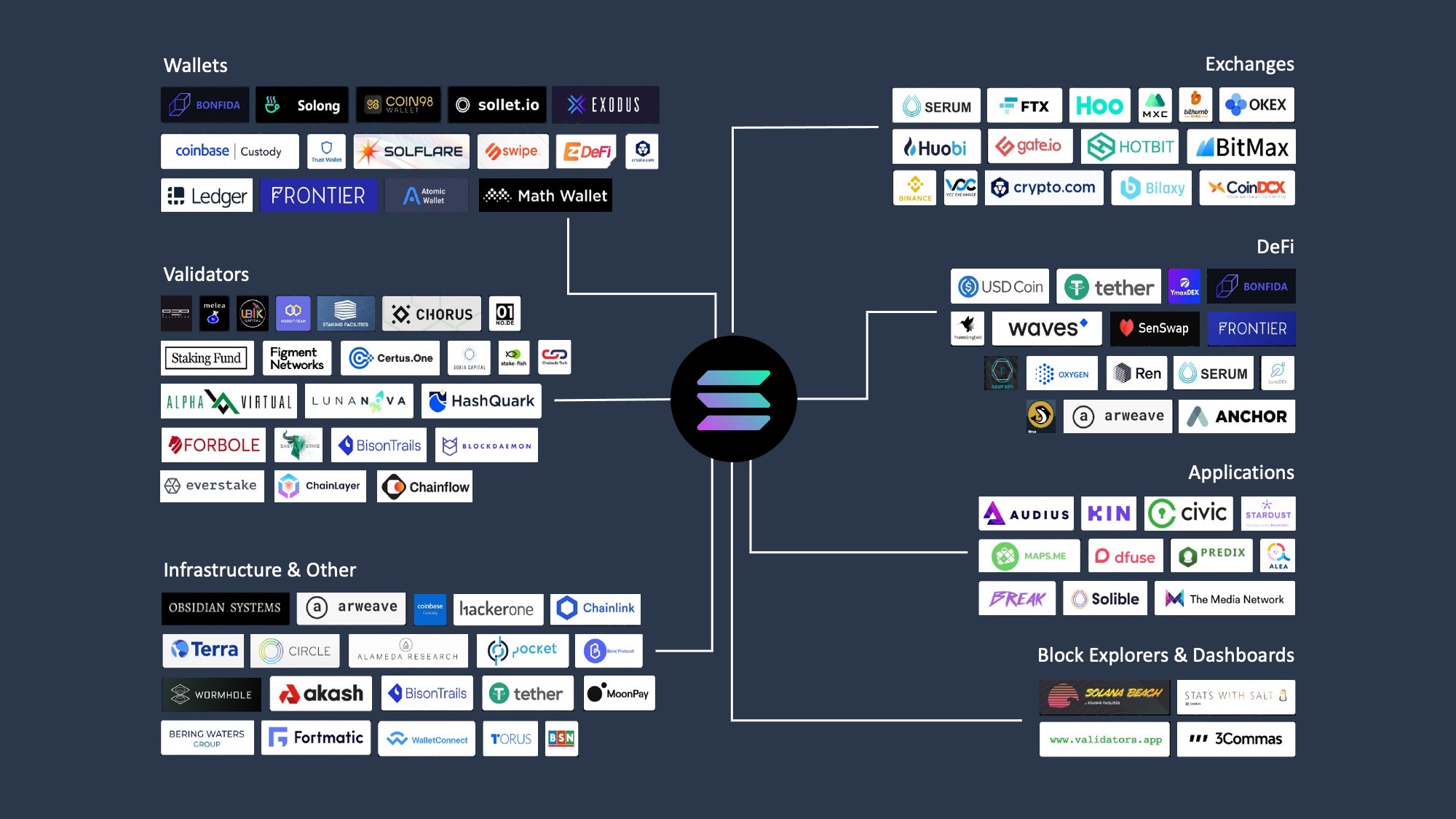
Never install wallets from third-party app stores or random links. Go directly to the official Solana wallets page at solana.com/wallets to find the verified links for Phantom, Solflare, or your hardware provider. This prevents you from downloading a fake version designed to steal your seed phrase.
During setup, you will see a 12 or 24-word recovery phrase. Write this down physically on paper or metal. Never store it digitally—in notes apps, screenshots, or cloud storage. If your device is hacked or lost, this paper is your only way to recover your funds.
Before you start using the wallet, the app will ask you to re-enter specific words from your seed phrase. Do this carefully. This step confirms you wrote the words down correctly. If you get this wrong, you cannot recover your wallet later.
If you are using a Ledger or Trezor, keep the device in a safe place. Treat it like a physical bank vault. Enable a PIN code on the device itself. This adds a layer of protection if the device is physically stolen, preventing unauthorized transactions even if someone has the device in hand.
Treat your wallet setup like locking your front door. A few minutes of careful setup now prevents total loss later. Always double-check URLs and physical notes before moving significant funds.
Is Phantom the best Solana wallet?
Phantom is widely considered the best overall Solana wallet for most users. It serves over 15 million users and offers a seamless experience for daily DeFi and NFT trading. Its interface is intuitive, making it the default choice for both beginners and experienced traders.
However, "best" depends on your specific needs. If you prioritize hardware integration, a Ledger device paired with Phantom offers superior security. For Android users who prefer a dedicated native app, Solflare remains a strong alternative.
For high-stakes holdings, never rely solely on a software wallet. Always consider hardware solutions like Ledger or Trezor for long-term storage, reserving Phantom for active trading and dApp interactions.
No comments yet. Be the first to share your thoughts!