
How we picked the best Solana wallets
We evaluated Solana wallets based on strict security and usability criteria. Our selection process prioritizes non-custodial solutions where you retain full control of your private keys. This approach minimizes counterparty risk, ensuring your assets remain yours regardless of platform stability.
Our audit focused on three core areas: key management architecture, transaction signing security, and transparency of code. We verified that recommended wallets support Solana’s specific security features, such as multisig capabilities and custom signature schemes, as outlined by Solana Labs. This ensures compatibility with the network’s programmable security standards.
We excluded wallets with centralized custody models or those lacking open-source verification. Each selected wallet was tested for ease of use without compromising security fundamentals. We look for clear, audited security practices that protect against common threats like phishing and key exposure.

As an Amazon Associate, we may earn from qualifying purchases.
Best hot wallets for daily trading
Hot wallets are software-based applications that connect directly to your browser or mobile device. They prioritize speed and ease of access, making them the standard choice for active traders and daily dApp users. Because these wallets are connected to the internet, they require strict adherence to security hygiene, such as keeping software updated and safeguarding your seed phrase.
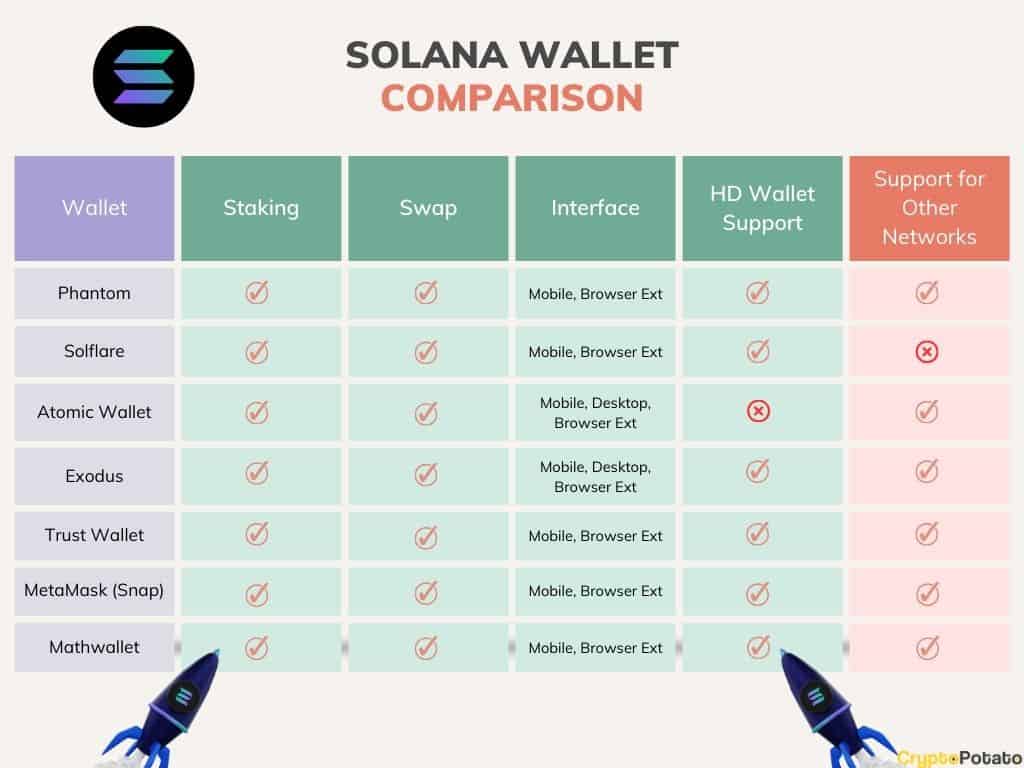
The market is dominated by three primary options: Phantom, Solflare, and Backpack. Each offers distinct advantages for different types of users. Phantom is the most widely adopted, Solflare offers deep Solana-specific features, and Backpack provides advanced tools for power users.
Phantom Wallet
Phantom is the most popular Solana wallet, serving over 15 million users. It is known for its intuitive interface and broad compatibility with dApps across Solana and Ethereum. For daily trading, Phantom offers a streamlined experience for swapping tokens, bridging assets, and viewing NFTs. Its mobile app mirrors the browser extension features, ensuring consistency across devices.
Solflare
Solflare is built specifically for the Solana ecosystem. It is often the go-to choice for users focused on staking SOL and accessing DeFi protocols. Solflare provides granular control over transaction fees and priority fees, which can be crucial during high network congestion. It also offers a robust NFT gallery and supports multiple Solana accounts within a single interface.
Backpack
Backpack is a newer entrant that appeals to power users and developers. It integrates a built-in marketplace and offers advanced features like transaction simulation and gas optimization. Backpack is designed for users who want more control over their trading environment and are comfortable with a slightly steeper learning curve. It also supports multiple chains, including Solana and Bitcoin.
| Feature | Phantom | Solflare | Backpack |
|---|---|---|---|
| Primary Use | General dApp use | Staking & DeFi | Advanced trading |
| Multi-chain | Solana, Ethereum | Solana only | Solana, Bitcoin |
| Staking | Yes | Yes | Yes |
| NFT Support | Yes | Yes | Yes |
Hardware Wallet Integration
For users who want the convenience of a hot wallet with the security of cold storage, all three wallets support hardware integration. Phantom and Solflare work seamlessly with Ledger devices, allowing you to sign transactions securely without exposing your private keys to the internet. Backpack supports Ledger and also offers its own hardware solution, the Backpack Keycard, for enhanced security.


As an Amazon Associate, we may earn from qualifying purchases.
When choosing a hot wallet, consider your primary use case. If you are a casual user, Phantom offers the easiest onboarding. If you are focused on staking and DeFi, Solflare provides the most tailored features. For advanced trading and development, Backpack is the superior choice. Regardless of your choice, always verify the official website before downloading to avoid phishing sites.
Best cold wallets for long-term storage
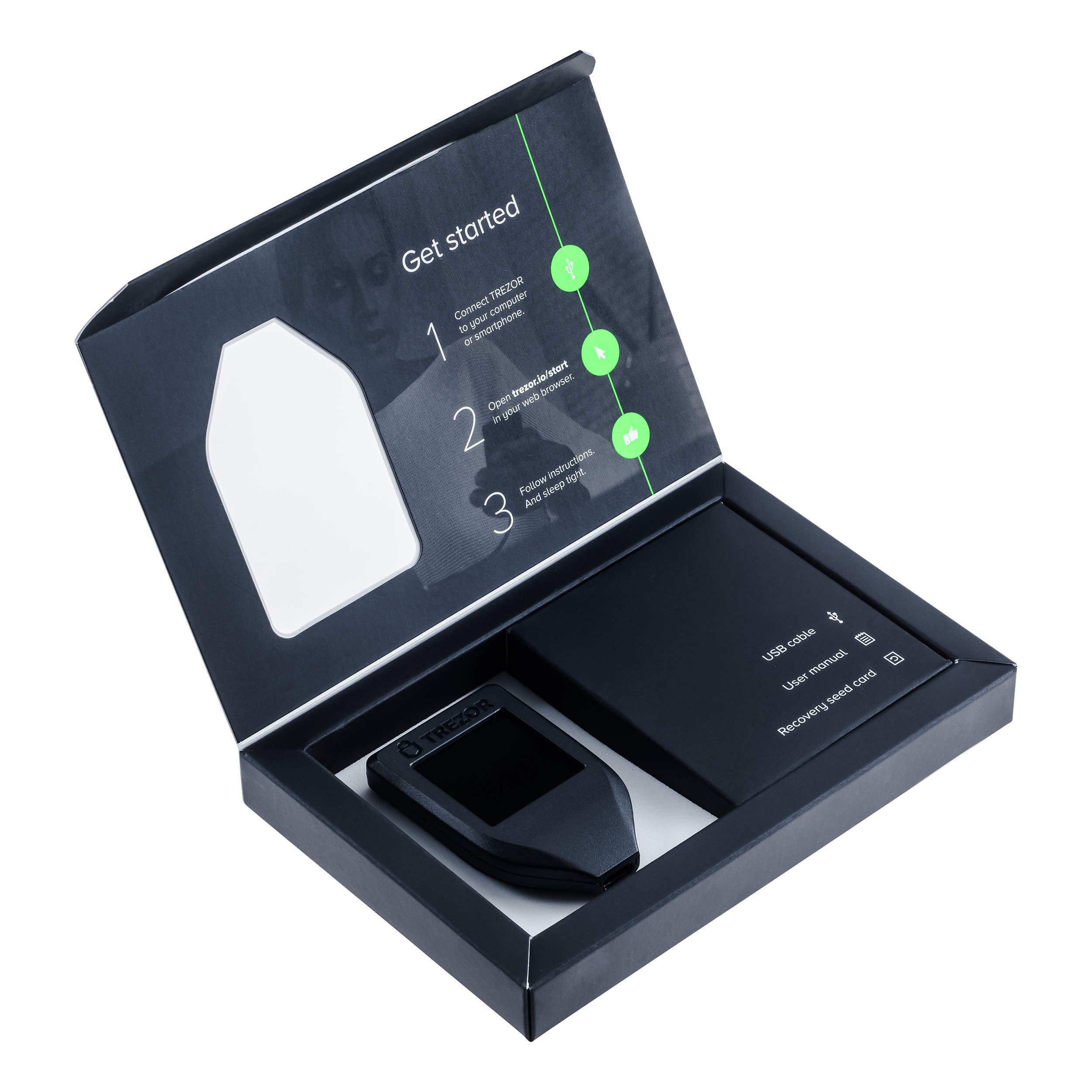
When the priority is maximum security over daily convenience, hardware wallets are the standard for self-custody. These physical devices store your private keys offline, ensuring that your Solana (SOL) assets remain isolated from internet-connected threats like malware or phishing attacks. For long-term holders, this air-gapped approach is the most reliable way to protect significant holdings.
The Ledger Nano X is widely recognized as the leading hardware wallet for Solana. It supports Solana natively, allowing you to sign transactions securely without exposing your keys to your computer or phone. Its Bluetooth connectivity adds a layer of convenience for mobile management without compromising the offline security of the private key generation.
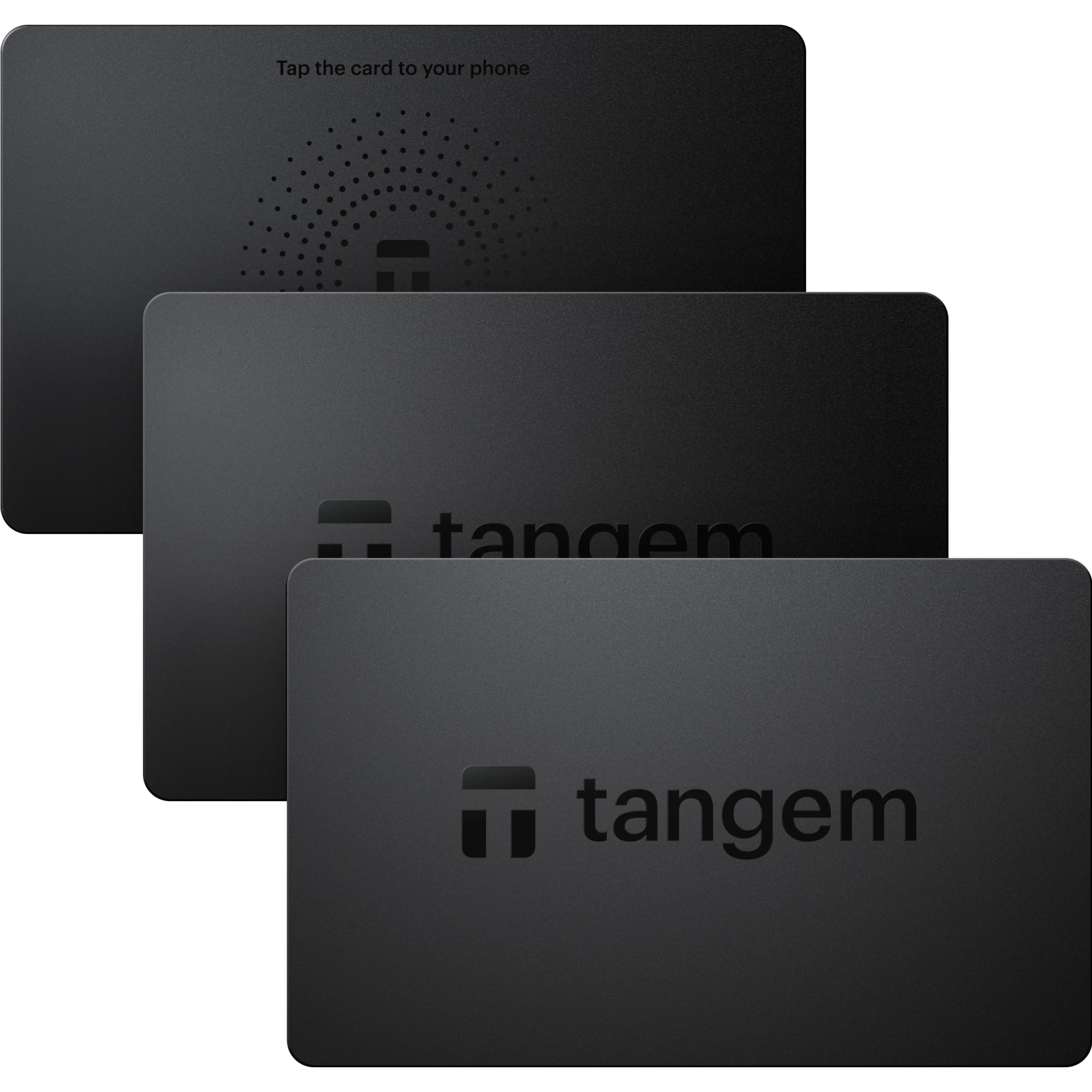
Tangem offers a distinct alternative with its card-based design. Unlike traditional USB dongles, Tangem cards are NFC-enabled and resemble credit cards in form factor. This makes them highly durable and easy to store. Crucially, Tangem allows users to stake Solana natively while maintaining full self-custody, meaning your SOL never leaves your device, yet you can still earn yield without relying on third-party platforms.
Choosing between these options depends on your specific needs. Ledger provides a broader ecosystem of supported coins and a more established software interface, while Tangem offers superior physical durability and simplicity. Both solutions ensure that your private keys never touch an internet-connected device, which is the fundamental requirement for secure long-term storage.


As an Amazon Associate, we may earn from qualifying purchases.
Setting up your Solana wallet securely
The first few minutes of setting up a Solana wallet determine the long-term security of your assets. A misstep here—like saving a seed phrase digitally or skipping verification steps—can lead to irreversible loss. This guide walks you through the essential setup process for both software and hardware options, prioritizing self-custody and official security practices.

Never download a wallet from a third-party site, email link, or social media ad. Always navigate directly to the official website (e.g., solflare.com, ledger.com) or the verified app store listing. Check the URL carefully; phishing sites often mimic legitimate wallet interfaces to steal your credentials. Official sources like Solana’s wallet directory provide a verified list of reputable options.
During setup, the wallet will generate a 12- or 24-word recovery phrase. This is the master key to your assets. Write it down on paper or metal and store it in a secure, physical location like a safe. Never take a photo, save it in a notes app, or email it to yourself. Anyone with this phrase can access your funds, and there is no customer support to recover it if lost.
Most wallets will ask you to re-enter specific words from your seed phrase to confirm you recorded it correctly. Do not rush this step. Verify each word against your physical copy. If you make a mistake, the wallet may not recover properly, or worse, a malicious app might be tricking you into confirming a fake phrase.
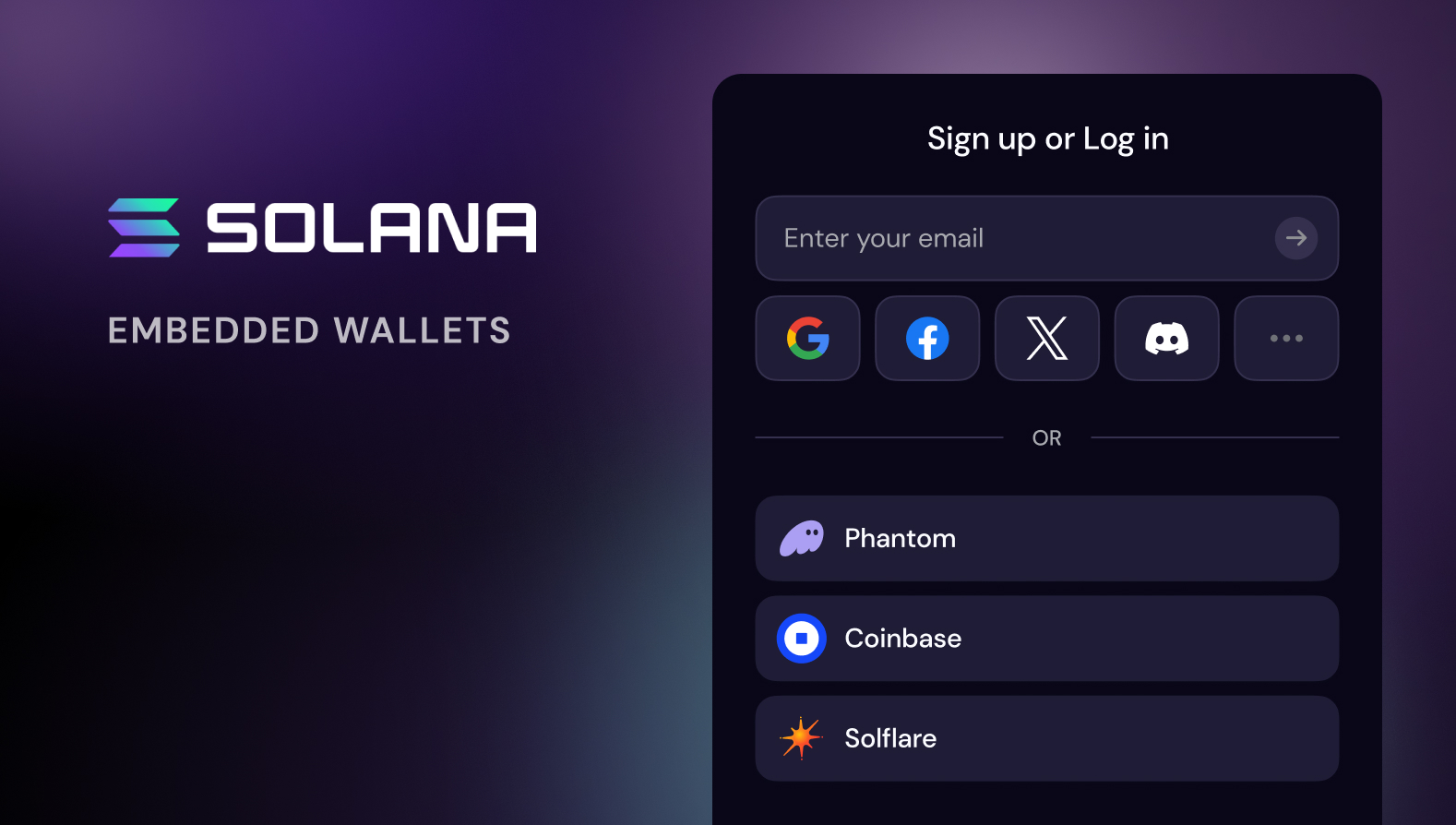
For software wallets, create a strong, unique password that you do not use elsewhere. For hardware wallets like Ledger, set a PIN code. This adds a layer of protection if your device is lost or stolen. Remember, the PIN protects the device, but the seed phrase protects the assets.
Once set up, connect to the Solana mainnet. Before sending any significant funds, send a small test transaction to verify that the address matches your expectations. Check the transaction on a block explorer like Solscan to ensure it went through correctly. This confirms your wallet is functioning and your public address is correct.
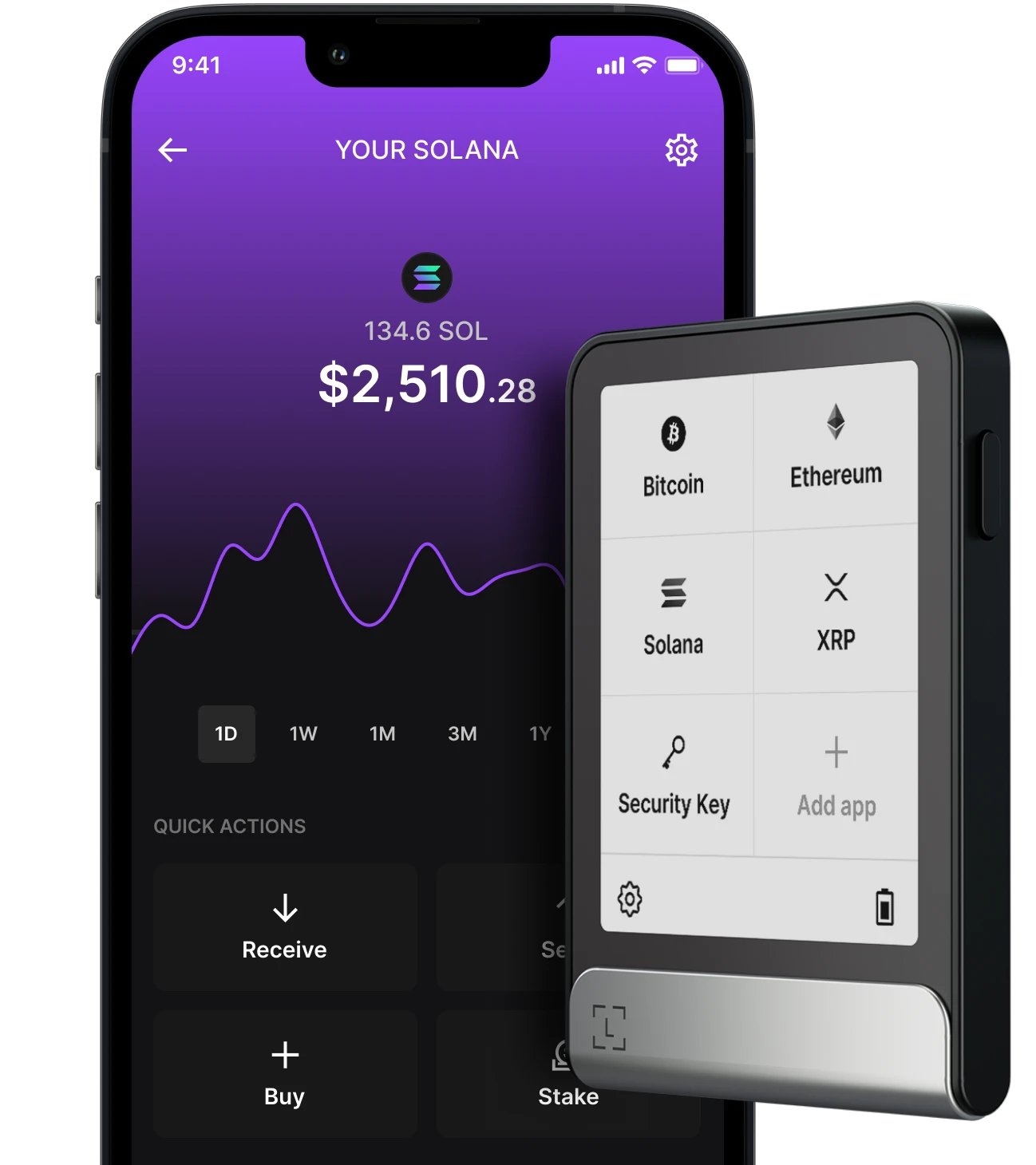
For those prioritizing maximum security, hardware wallets are the gold standard. They keep your private keys offline, isolated from internet-connected devices. Below are recommended hardware wallets that support Solana, available for purchase.


As an Amazon Associate, we may earn from qualifying purchases.
Frequently asked questions about Solana wallets
Where should I keep my Solana?
If security is your top priority, a cold wallet is the safest route for long-term storage. Hardware devices keep your private keys offline, isolating them from internet-based threats. However, you can also stake Solana natively on certain hardware wallets, such as Tangem, while maintaining full self-custody. This approach allows you to earn yield without exposing your assets to exchange or platform risk.
Are Solana wallets safe from hacks?
Solana wallets are generally secure because they rely on cryptographic keys stored locally on your device. The risk of hacking typically stems from user error, such as falling for phishing scams or losing seed phrases, rather than vulnerabilities in the wallet software itself. Using a hardware wallet adds a physical layer of confirmation for every transaction, significantly reducing the attack surface.
What is a multisig wallet?
A multisig (multi-signature) wallet requires multiple private keys to authorize a transaction. This setup is essential for businesses or high-net-worth individuals who want to prevent a single point of failure. Solana’s programmable nature supports custom signature logic, allowing you to define exactly who can sign and under what conditions, providing robust control over digital assets.
Can I use a web wallet for large holdings?
Web wallets are convenient for frequent trading but are less secure for storing large amounts of Solana. Because they are connected to the internet, they are more vulnerable to malware and browser-based exploits. For significant holdings, always transfer your assets to a cold storage solution where the keys remain offline and inaccessible to remote attackers.
No comments yet. Be the first to share your thoughts!