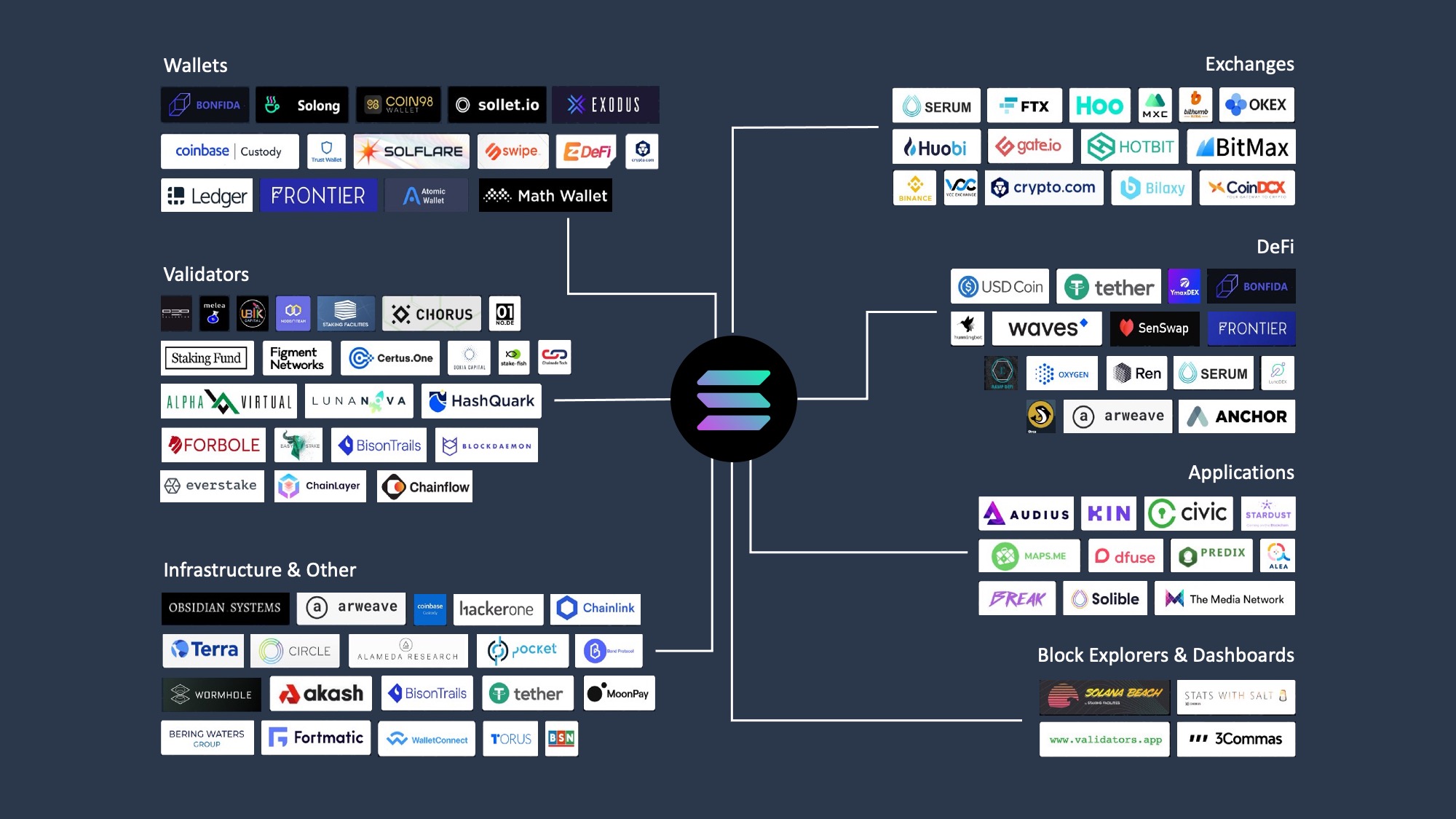

How we picked the best Solana wallets
We evaluated wallets based on three non-negotiable pillars: security, user experience, and DeFi integration. Since Solana handles high-value transactions, the margin for error is thin. A single phishing click or a poorly implemented key management system can result in permanent loss. Therefore, we prioritized wallets with open-source codebases and strong community audits to ensure your SOL is safe.
Security is the foundation. We looked for wallets that offer clear control over private keys, whether through hardware integration for cold storage or robust seed phrase management for hot wallets. Phantom, Solflare, and Backpack were among the top contenders because they consistently update their security protocols and maintain transparency about their development practices. Exodus was also considered for its intuitive design, which prioritizes user experience without compromising basic safety standards.
Beyond security, usability determines whether a wallet stays in your daily rotation. We tested the interface of each candidate for clarity, speed, and ease of use. A complex dashboard is useless if you can't quickly check your balance or send tokens. We also verified DeFi integration, ensuring that wallets like Phantom and Solflare connect seamlessly to major Solana dApps like Jupiter and Raydium without requiring clunky workarounds.
Finally, we checked for cross-platform support. Whether you are on mobile, desktop, or browser, the wallet must perform consistently. Phantom leads here with its multi-platform availability, while Solflare offers a strong browser extension and mobile app. Backpack, though newer, has rapidly gained traction for its developer-friendly features and secure architecture. These criteria helped us narrow down the list to the most reliable options for 2026.
Best overall: Phantom Wallet
Phantom has become the default entry point for anyone entering the Solana ecosystem. With over 15 million users, it balances ease of use with the robust infrastructure needed for serious trading. It is the standard against which other Solana wallets are measured.
The interface is clean and intuitive, making it easy to swap tokens, bridge assets, and manage NFTs without feeling overwhelmed. For everyday use, this simplicity is a major advantage. You can interact with decentralized applications (dApps) directly from the browser extension or mobile app, keeping your workflow smooth and uninterrupted.
Security is handled through familiar mechanisms, including biometric authentication on mobile and seed phrase backups. While no wallet is immune to risk, Phantom’s widespread adoption means its security protocols are constantly scrutinized and updated by a large community of developers and users.
As an Amazon Associate, we may earn from qualifying purchases.
Best for staking: Solflare
Solflare is built specifically for Solana, making it the go-to choice for staking SOL and accessing DeFi. Unlike generic wallets that treat Solana as an afterthought, Solflare offers native staking capabilities that simplify the process of earning yield on your holdings. For long-term SOL holders, this direct integration means you can stake directly from your wallet without navigating complex third-party interfaces or bridging assets to external platforms.
The platform’s reputation among dedicated Solana users stems from its focus on security and ease of use. High-stakes risk is mitigated by Solflare’s robust infrastructure, which has undergone multiple security audits. The wallet supports both delegated and validator staking, giving users control over their yield while maintaining the flexibility to unstake when market conditions shift. This balance of convenience and control is why many experienced traders prefer Solflare for their primary holdings.
Solflare also provides real-time tracking of your staking rewards and validator performance, allowing you to optimize your strategy without constant monitoring. The interface clearly displays annual percentage yields (APY) and upcoming rewards, helping you make informed decisions about where to delegate your stake. This transparency is crucial for anyone looking to maximize their returns while minimizing the risks associated with staking on a high-throughput network like Solana.
Best hardware wallet: Ledger Nano S Plus
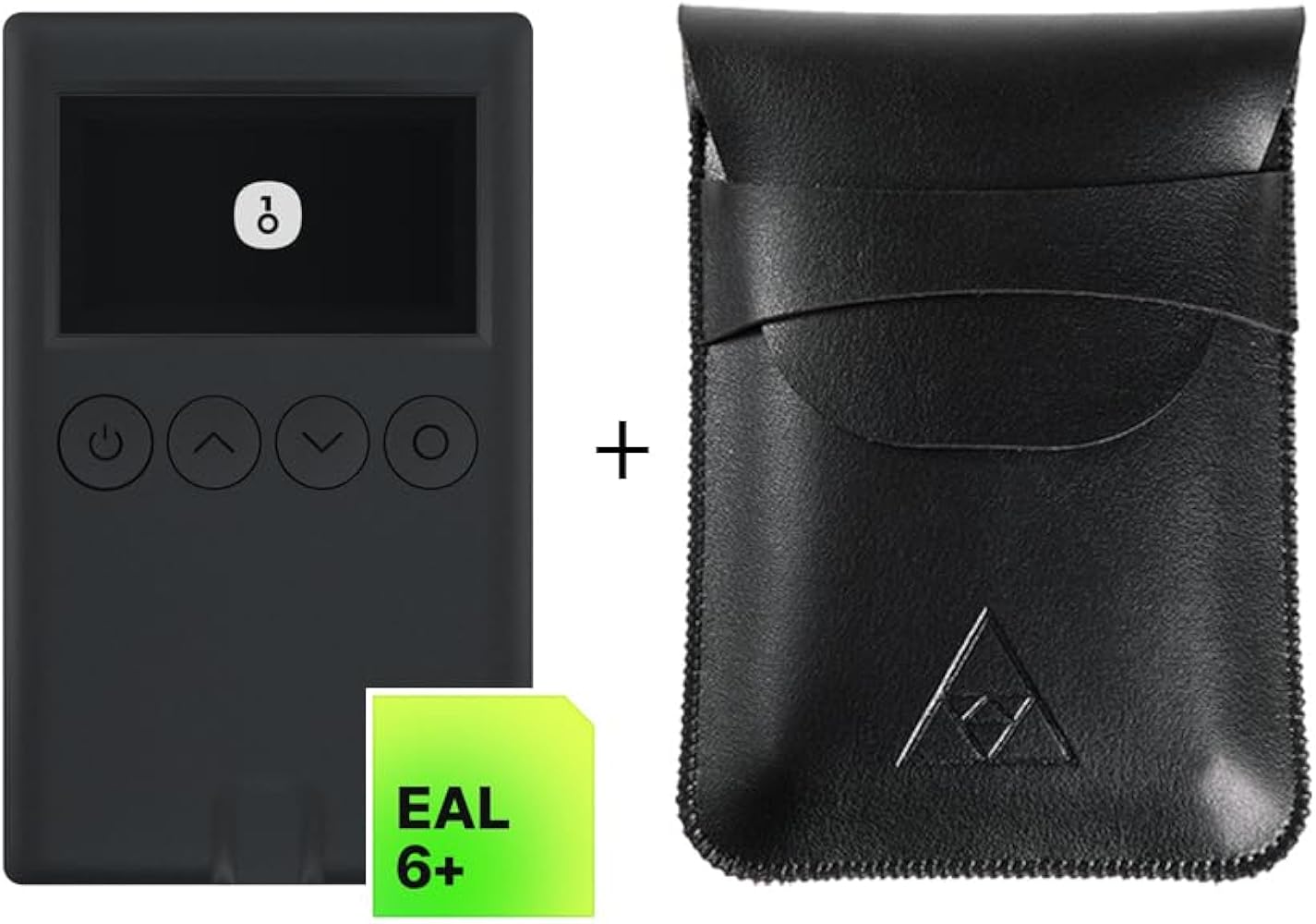
When you hold significant SOL, a hardware wallet is the only way to keep your keys offline and out of reach of online threats. The Ledger Nano S Plus is the industry standard for cold storage, offering a secure element chip that isolates your private keys from your computer or phone. It is widely regarded as the most reliable option for long-term holders who prioritize security over convenience.
Setting up the device is straightforward. You connect it via USB-C to your computer or mobile device, install the Ledger Live app, and generate a new recovery phrase. Once your Solana account is added in the app, the device handles all signing requests. You must physically press the buttons on the Nano S Plus to approve every transaction, ensuring that malware on your computer cannot steal your funds even if it is running.
The device supports Solana natively, meaning you can send, receive, and stake SOL directly through Ledger Live. While the screen is small, it is sufficient for verifying transaction details and addresses. For those who need to interact with Solana DeFi protocols, you can pair the Nano S Plus with a browser extension like Phantom, but the signing still happens on the hardware device.

As an Amazon Associate, we may earn from qualifying purchases.
Best for developers: Backpack Wallet
Backpack Wallet is the specialized tool for power users and developers who need advanced transaction management on Solana. Unlike standard wallets that treat transactions as simple swaps, Backpack offers a deeper layer of control, making it the preferred choice for those building or interacting with complex smart contracts.
The platform integrates a built-in code editor and debugging tools directly into the interface. This allows developers to write, test, and deploy Solana programs without leaving the wallet environment. It effectively bridges the gap between the blockchain and the developer's local machine, streamlining the workflow for anyone serious about Solana development.
Security remains a priority for this high-stakes audience. Backpack employs a multi-signature architecture that requires multiple keys to approve transactions, protecting against single points of failure. For developers managing high-value assets or testing critical code, this added layer of verification provides peace of mind that standard hot wallets often lack.
Solana Wallet Comparison Table
Choosing the right Solana wallet often comes down to balancing convenience with security. The table below compares four top options—Phantom, Solflare, Ledger, and Backpack—across key features like platform support, staking capabilities, and security type. This quick reference helps you identify which wallet aligns best with your needs, whether you prioritize mobile accessibility or hardware-level protection.
| Wallet | Platform | Staking | Security Type |
|---|---|---|---|
| Phantom | Mobile, Desktop, Browser | Yes | Hot Wallet |
| Solflare | Mobile, Desktop, Browser | Yes | Hot Wallet |
| Ledger | Hardware Device | Via Partner Apps | Cold Storage |
| Backpack | Desktop, Browser | Yes | Hot Wallet |
How to secure your Solana assets
Solana’s speed is its greatest strength, but it’s also what makes mistakes costly. Unlike slower chains that offer a grace period for reversing transactions, Solana processes blocks in seconds. If you send SOL to the wrong address or fall for a phishing scam, that money is gone. Treating your wallet like a digital safe requires a few non-negotiable habits.
First, never share your seed phrase. This is your master key. Whether you use a software wallet like Solflare or a hardware device like Ledger, your seed phrase is the only thing that can restore your account. Write it down on paper or metal and store it in a secure physical location. Never store it digitally in screenshots, notes apps, or cloud storage, where hackers can easily access it.
Second, verify every transaction before confirming. Scammers often send fake tokens or create lookalike websites to trick you into signing malicious contracts. Always double-check the recipient address and the token name. If you’re interacting with a new DeFi protocol, start with a small test transaction to ensure everything works as expected. This small step can save you from significant losses.
Finally, keep your wallet software updated. Developers regularly release patches to fix security vulnerabilities. Whether you’re using Phantom, Solflare, or a hardware wallet like Ledger, ensuring you’re on the latest version protects you from known exploits. Enable two-factor authentication (2FA) on any exchange accounts linked to your wallet for an extra layer of defense.
Frequently asked questions about Solana wallets
Is Phantom Wallet safe to use?
Phantom is one of the most popular Solana wallets, serving more than 15 million users. It is widely considered safe for everyday transactions, token swaps, and NFT management due to its clean interface and active development. However, as a hot wallet, it remains connected to the internet, making it less secure than hardware options for large holdings.
Can I stake SOL in any wallet?
Most major Solana wallets, including Phantom, Solflare, and Backpack, support native staking directly within the app. This allows you to earn rewards without moving your assets to a centralized exchange. Always verify the staking provider’s commission rate and validator performance before delegating your SOL to ensure you are maximizing returns.
Should I use a hardware wallet for Solana?
If you hold significant amounts of SOL or valuable NFTs, a hardware wallet like Ledger or Trezor is the best choice. These cold storage devices keep your private keys offline, protecting them from phishing attacks and malware. Phantom and Solflare both offer seamless integration with Ledger devices, giving you the best of both worlds: security and ease of use.
No comments yet. Be the first to share your thoughts!