
Pick a wallet for your use case
Choosing the right Solana wallet depends on how you plan to use it. There is no single best Solana wallet for every user, but there is a clear winner for specific needs. Your choice should balance ease of use with security requirements.
For beginners and daily DeFi use
Phantom is the most popular choice for new users. It offers a clean interface that makes sending transactions and swapping tokens straightforward. The wallet integrates directly with most Solana-based decentralized applications (dApps), reducing friction when interacting with DeFi protocols or NFT marketplaces. If your primary goal is frequent trading or browsing the Solana ecosystem, Phantom provides the smoothest experience.
For native staking rewards
Solflare is designed for users who want to earn yield on their SOL holdings. It offers robust native staking features that allow you to delegate your tokens directly within the app. The interface provides transparent data on validator performance and expected rewards. If your focus is building a long-term position and earning passive income through staking, Solflare’s tooling is superior to Phantom’s basic staking options.
For maximum security
Ledger hardware wallets are the standard for cold storage. By keeping your private keys offline, Ledger protects your assets from online hacks and phishing attempts. It supports Solana and integrates with software wallets like Phantom and Solflare, giving you the security of hardware with the convenience of a software interface. If you hold significant value or want to minimize exposure to digital threats, a Ledger device is the only responsible choice.
Compare features and security models
Choosing the right Solana wallet depends on how you plan to use your assets. The three most common options—Phantom, Solflare, and Ledger—serve different needs, from daily trading to long-term cold storage. Phantom offers a sleek interface for active users, Solflare provides robust staking tools, and Ledger ensures maximum security for large holdings.
Phantom: The User-Friendly Standard
Phantom is widely regarded as the default choice for Solana users. Its interface is clean and intuitive, making it easy for beginners to buy, swap, and stake SOL without navigating complex menus. It integrates seamlessly with major Solana dApps, including DeFi platforms and NFT marketplaces. For users who prioritize speed and ease of use, Phantom is the most reliable hot wallet option.
Solflare: Built for Staking and Power Users
Solflare is designed for users who want deeper control over their assets. It features a powerful staking interface that allows users to delegate to validators directly from the app, often with lower fees and more detailed validator performance metrics. Solflare also supports a wide range of Solana-based tokens and offers advanced features like transaction simulations, which help prevent errors before signing.
Ledger: Maximum Security for Cold Storage
Ledger hardware wallets provide offline security for your private keys. This means your Solana assets are protected from online threats like phishing and malware. Ledger supports Solana through the Ledger Live app and integrates with Phantom and Solflare for signing transactions. It is the best choice for long-term holders who store significant amounts of SOL or high-value NFTs.
Side-by-Side Comparison
The table below highlights the key differences between these wallets to help you decide which fits your strategy.
| Feature | Phantom | Solflare | Ledger |
|---|---|---|---|
| Type | Hot Wallet (Browser/Mobile) | Hot Wallet (Browser/Mobile) | Cold Wallet (Hardware) |
| Staking | Native (Delegated) | Native (Validator Dashboard) | Via Phantom/Solflare |
| DeFi Integration | Extensive | Extensive | Via Host Wallet |
| Security Level | High (Software) | High (Software) | Maximum (Offline) |
Phantom vs Solflare for daily trading
Phantom and Solflare dominate the Solana ecosystem, but they appeal to different kinds of traders. Phantom is the default choice for most beginners because of its clean interface and widespread adoption across NFT marketplaces. Solflare, however, attracts users who prioritize deep DeFi integration and granular control over staking rewards.
Choosing between them depends on how you interact with the network. If your focus is browsing NFTs and making simple swaps, Phantom’s streamlined design reduces friction. If you are actively managing yield positions or interacting with complex dApps, Solflare’s advanced features provide more utility.
Phantom: Simplicity and NFT Dominance
Phantom is widely considered the best wallet for Solana because it prioritizes user experience above all else. Its interface is intuitive, making it easy for newcomers to send tokens, swap assets, and browse NFTs without navigating complex menus. This simplicity is a major reason for its market dominance.
The wallet integrates seamlessly with major NFT marketplaces like Magic Eden and Tensor. This makes Phantom the go-to tool for collectors who need to manage their portfolios quickly. For daily trading, Phantom’s built-in swap feature is fast and reliable, though it offers fewer customization options than Solflare.
Solflare: DeFi Power and Staking Control
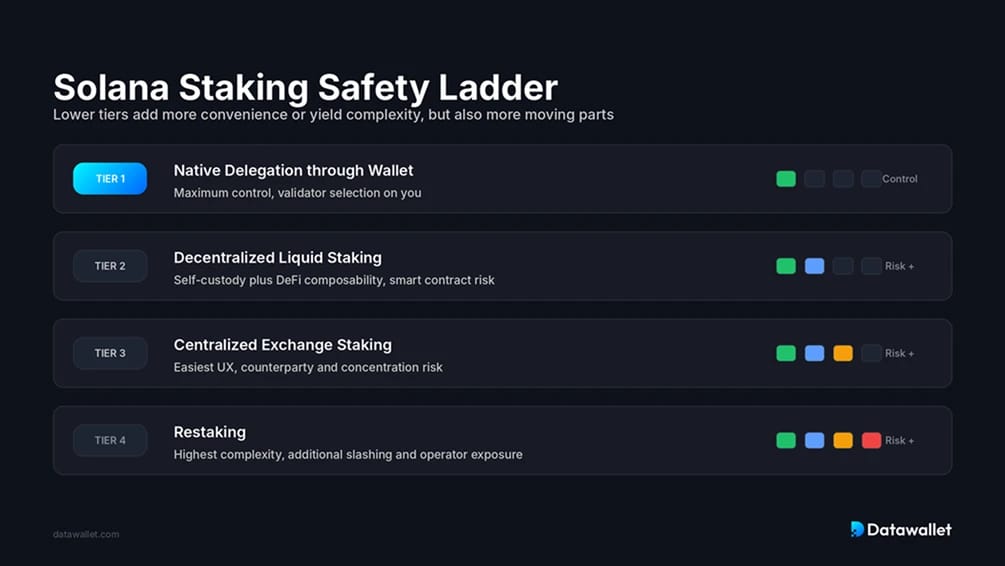
Solflare is the best wallet for most Solana users who want to maximize their yield. It offers native staking with one-click delegation to validators, allowing users to earn rewards directly from the wallet interface. This feature is particularly valuable for long-term holders who want to compound their SOL without leaving the app.
For active DeFi traders, Solflare provides more advanced tools. It supports complex token interactions and offers detailed insights into transaction fees and slippage. While the interface is slightly more cluttered than Phantom, these features make it a superior choice for users who are serious about participating in the Solana DeFi ecosystem.
Secure your assets with cold storage
Hot wallets like Phantom and Solflare are convenient, but they remain connected to the internet. In a high-stakes environment, that connectivity is a liability. Hardware wallets like Ledger and Keystone keep your private keys offline, ensuring that even if your computer is compromised, your Solana assets remain safe. This separation is the difference between a minor inconvenience and total loss.
Community consensus points to a "three-wallet system" as the gold standard for security. This approach separates your funds by function: one wallet for daily spending, one for staking or DeFi interactions, and one cold storage wallet for long-term holding. By isolating your primary savings from active transactions, you limit your exposure to any single vulnerability.
For most Solana users, a Ledger Nano X or S Plus is the most accessible entry point into cold storage. It supports Solana natively and integrates with the Phantom and Solflare interfaces you likely already use. If you require maximum security and are willing to invest in a more complex setup, the Keystone air-gapped wallet offers a higher barrier to entry for attackers.


As an Amazon Associate, we may earn from qualifying purchases.
Always verify the source of your hardware wallet. Only purchase directly from the manufacturer or authorized retailers. Buying from third-party marketplaces risks receiving tampered devices that could steal your assets from the moment you insert them.
Set up your wallet securely
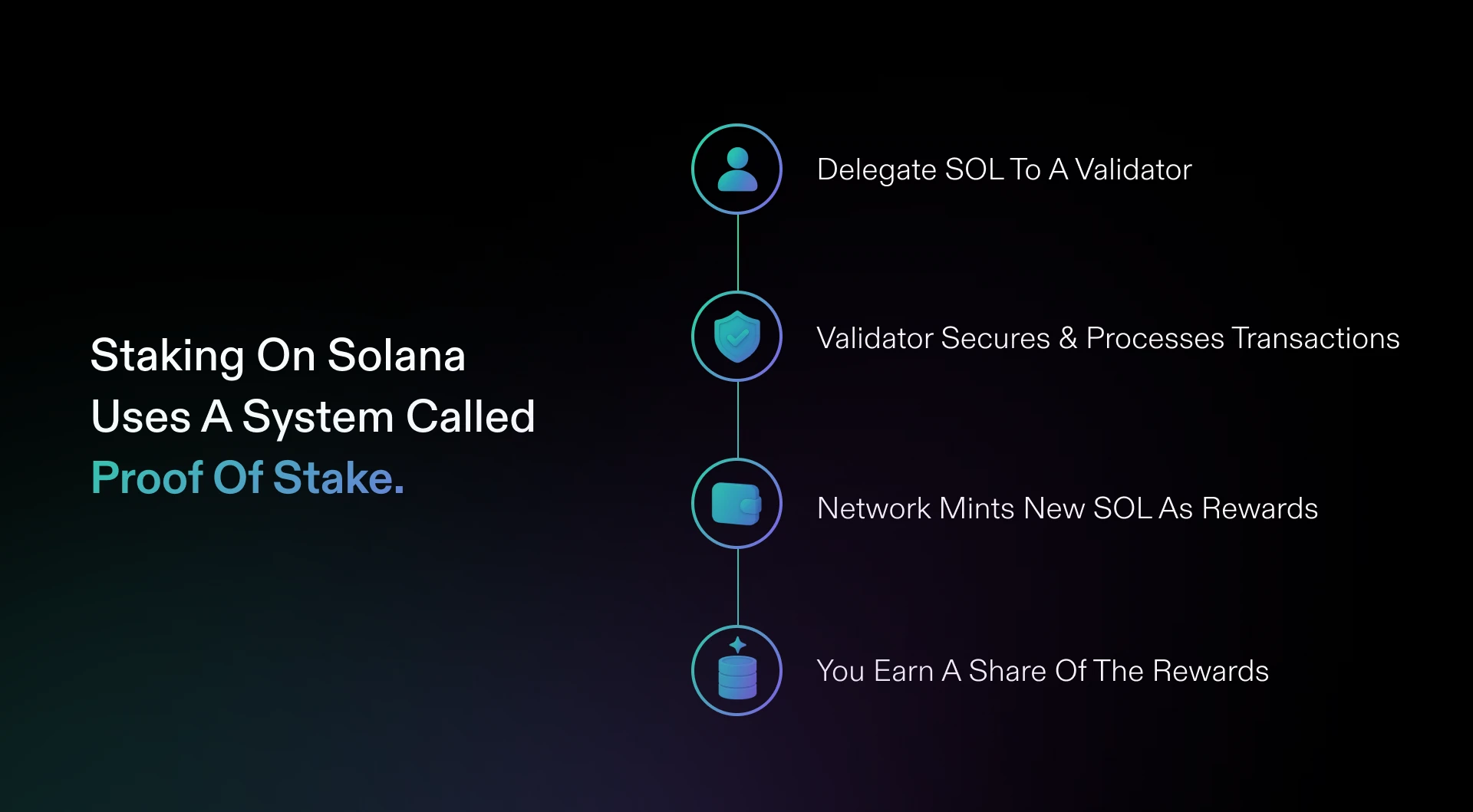
Getting your Solana wallet running is straightforward, but the setup phase is where most security mistakes happen. Follow this ordered checklist to protect your keys and verify you are using the official software.
Only install wallets from their verified websites or official app store listings. Phantom and Solflare have direct links on the Solana ecosystem page. Ledger users should download the Ledger Live desktop app. Avoid third-party download sites or browser extensions that are not directly linked from the official developer pages.
During setup, the wallet generates a 12 or 24-word recovery phrase. Write this down on paper or metal. Never store it digitally, in screenshots, or in cloud notes. If you lose this phrase, your funds are gone forever.
Send a small amount of SOL to the wallet before adding significant assets. This confirms the address is correct and the wallet is fully functional. For hardware wallets like Ledger, this also verifies that the device signs transactions properly.
If your wallet supports it, enable biometric authentication or a strong PIN. For Ledger, ensure your firmware is up to date via Ledger Live. Phantom and Solflare do not use 2FA for the wallet itself, as keys are local, so rely on device-level security.
Common questions about Solana wallets
Users frequently ask which wallet is the best for Solana, but the right choice depends on whether you prioritize ease of use, security, or advanced trading features. Below are direct answers to the most common queries regarding Solana wallet selection.
No comments yet. Be the first to share your thoughts!