
Choosing a Solana Wallet Within Your Budget
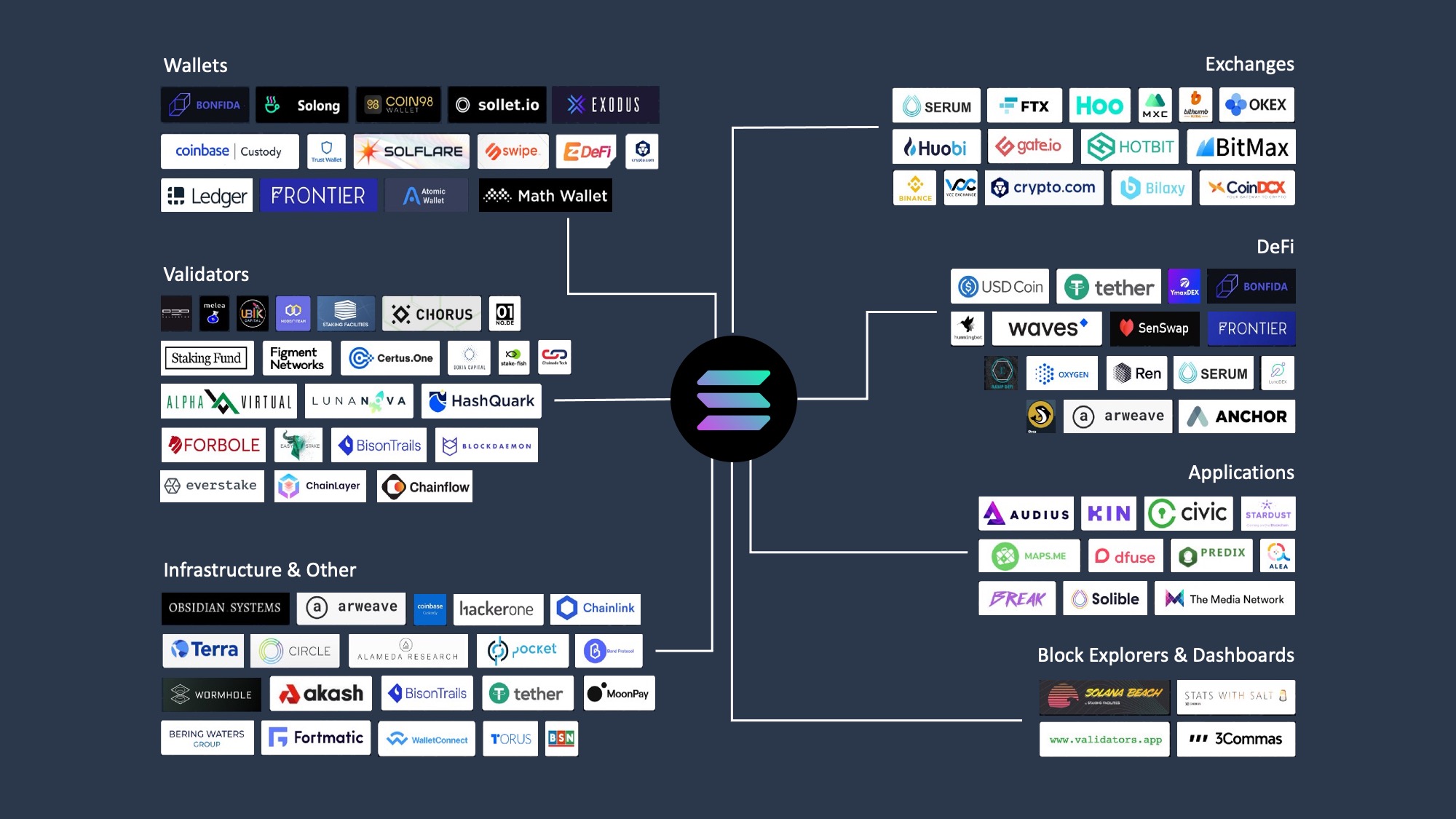
Selecting a Solana wallet requires balancing security, convenience, and cost. There is no single "best" wallet for every user; the right choice depends on how much Solana you hold and how frequently you transact. For most users, a free software wallet like Phantom or Solflare offers sufficient security for daily use. However, if you hold significant assets, a hardware wallet becomes a necessary insurance policy against phishing and malware.
Hot Wallets: Free and Convenient
Hot wallets are software applications that connect directly to the internet. They are ideal for beginners and active traders who need quick access to their funds for swapping tokens or interacting with DeFi protocols.
- Phantom: The most popular Solana wallet, known for its intuitive interface and strong NFT support. It supports multiple chains and offers built-in staking.
- Solflare: A veteran wallet with a focus on security features like transaction simulations and detailed fee breakdowns. It is often preferred by power users.
These wallets are free to download and use. The "cost" is the reliance on your device's security. If your computer or phone is compromised, your private keys may be exposed. Always ensure your device is secure and use strong, unique passwords.
Cold Wallets: Secure but Costly
Cold wallets are physical devices that store your private keys offline. They are immune to online hacking attempts and are recommended for long-term holders. The trade-off is the upfront cost and the slight inconvenience of connecting the device for transactions.
- Ledger: Supports Solana via the Ledger Live app. It offers robust security with a secure element chip and supports a wide range of cryptocurrencies.
- Trezor: Another leading hardware wallet that supports Solana through third-party integrations like Ledger Live or specialized web interfaces.
When buying a cold wallet, purchase only from the official manufacturer or authorized retailers. Avoid third-party sellers to prevent tampering. The initial investment ranges from $50 to $150, which is a small price for the peace of mind it provides.
The Three-Wallet Strategy
For maximum security, consider a three-wallet system. Use a hot wallet for daily spending, a cold wallet for long-term holdings, and a backup cold wallet stored in a safe place. This diversification ensures that even if one wallet is compromised, you retain access to your funds. This approach is particularly relevant for high-net-worth individuals or those holding large amounts of Solana.


As an Amazon Associate, we may earn from qualifying purchases.
Shortlist real options
Choosing a Solana wallet depends on whether you prioritize ease of use for daily trading or ironclad security for long-term holding. The ecosystem offers distinct options for different needs, from mobile-first interfaces to hardware integration. Below is a comparison of the most reliable wallets currently available for managing Solana assets.
| Wallet | Type | Platforms | Key Feature |
|---|---|---|---|
| Phantom | Hot | Mobile, Browser | User-friendly dApp browser |
| Solflare | Hot | Mobile, Browser | Built-in staking rewards |
| Ledger | Cold | Hardware | Offline private key storage |
| Backpack | Hot | Desktop, Mobile | Integrated exchange access |
Phantom remains the dominant choice for most users due to its seamless integration with Solana dApps and NFT marketplaces. It offers a clean interface that makes swapping tokens and staking SOL straightforward for beginners. Solflare provides a strong alternative with a focus on transparency and built-in staking features that reward users directly for holding SOL. Both wallets are free to use and supported on major operating systems.
For users holding significant value, hardware wallets like Ledger or Keystone offer the highest level of security by keeping private keys offline. These devices connect to software interfaces like Phantom or Solflare, allowing you to sign transactions without exposing your keys to internet-connected devices. This "three-wallet system" approach—separating daily spending, active trading, and long-term storage—is widely recommended by security experts.
Inspect the expensive parts
Solana’s speed masks its complexity. A single misconfigured transaction can drain a wallet or lock funds in a failed smart contract interaction. Before you commit significant capital, run through this checklist to identify the most common failure points in the Solana ecosystem.
Verify custody and key management
The safest Solana wallet setup involves separating your assets. Use a hardware wallet like Ledger or Keystone for long-term storage, and a browser extension like Phantom or Solflare for daily transactions. Never store your seed phrase digitally. If a wallet claims to offer "custodial" services, understand that you do not control the keys. For high-value holdings, self-custody is non-negotiable.
Check for simulation support
Solana requires transaction simulation to prevent errors. Always ensure your wallet supports pre-flight simulation. This feature shows you exactly what a transaction will do before it signs. If a dApp or wallet skips this step, you are gambling with your funds. Look for clear error messages that explain why a transaction failed, rather than silent rejections.
Audit token approvals
Solana allows programs to approve token transfers on your behalf. Over time, these approvals can accumulate, creating hidden risks. Use a tool like Revoke Cash or the built-in approval manager in Phantom to review and revoke unnecessary permissions. Regularly auditing these approvals prevents malicious contracts from draining your remaining balance.
Confirm network and RPC stability
Solana has experienced outages in the past. Before making large transfers, check the network status on solscan.io or the official Solana status page. If the network is congested, transactions may fail or cost more in priority fees. Consider using a reliable RPC provider if you are running your own node or interacting with high-frequency dApps.
Plan for ownership costs
A wallet’s sticker price is just the entry fee. The real cost of owning a Solana wallet comes from how you manage it over time. Cheap software wallets are free to download, but they demand your attention. You must handle backups, security updates, and the occasional transaction fee. Hardware wallets cost more upfront but remove the mental load of protecting private keys on a compromised computer.
The biggest surprise for new users is the gas fee structure. Solana transactions are cheap, often costing less than a cent, but you still need SOL in your wallet to pay for them. If your wallet is empty, you can’t move your assets. This means you always need a small buffer of native token, which effectively raises the minimum cost of participation. It’s a small friction, but one that catches people off guard when they first try to swap or stake.
Maintenance is where the hidden costs add up. If you use a software wallet, your device’s operating system updates can break compatibility, forcing you to update the app or risk losing access. If you use a hardware wallet, you need to keep the device updated and secure. The cheapest option isn’t always the cheapest if it leads to lost access or security breaches. Think of it like buying a car: the purchase price is just the start. Insurance, maintenance, and depreciation are the real ownership costs.


As an Amazon Associate, we may earn from qualifying purchases.
No comments yet. Be the first to share your thoughts!