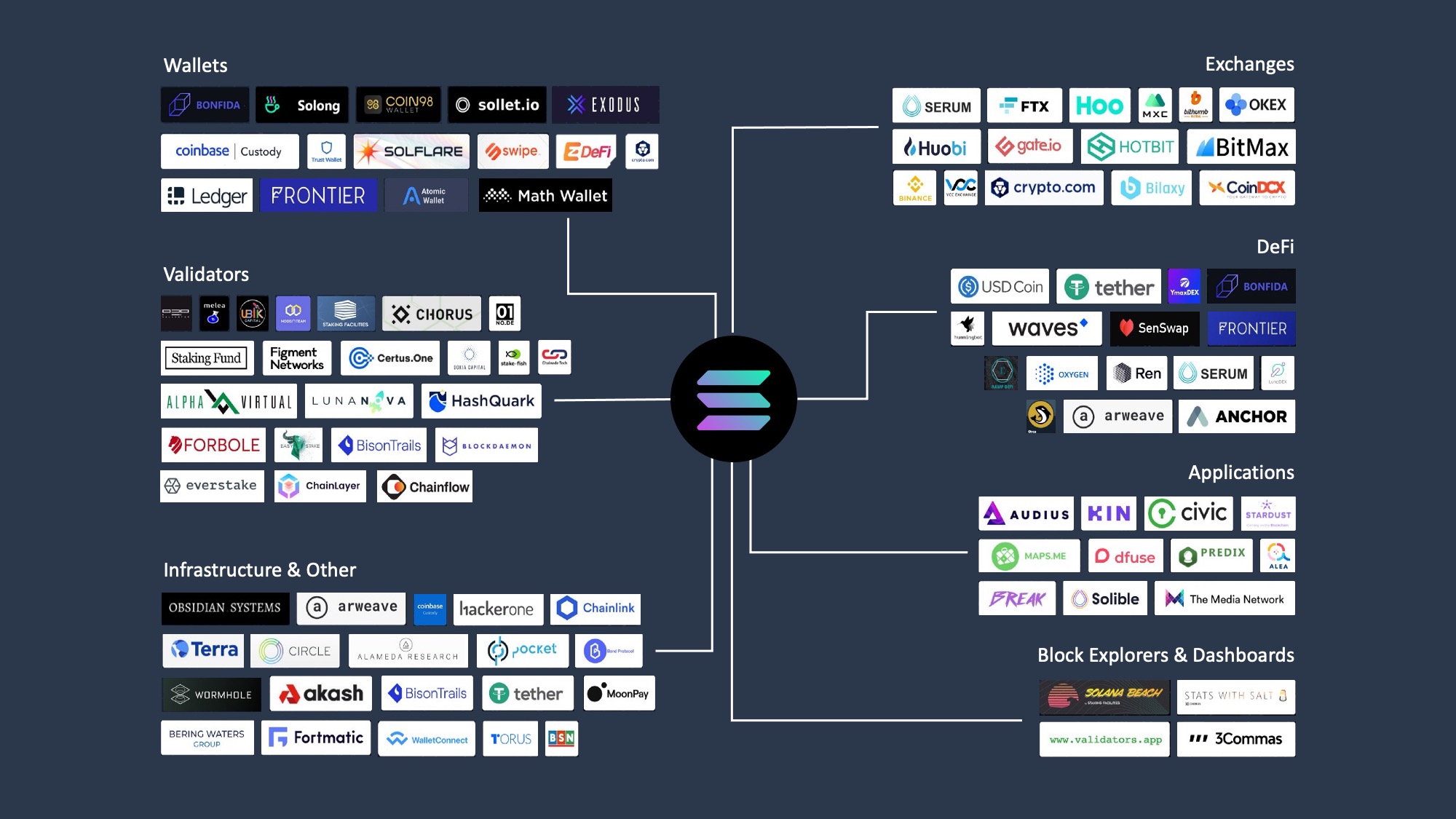

How we picked the best Solana wallets
Evaluating Solana wallets requires looking past marketing claims and examining the underlying security architecture and feature set. Our selection process for the best Solana wallets focuses on four non-negotiable criteria: security mechanics, user experience, staking support, and DeFi compatibility.
Security and Audits Security is the primary differentiator. We verified that selected wallets undergo regular third-party security audits. For hardware options, we confirmed compatibility with Solana’s specific signing requirements. Software wallets are evaluated based on their key management protocols and open-source transparency. We excluded wallets with a history of significant unpatched vulnerabilities or opaque codebases.
User Experience and DeFi Integration A wallet is only useful if it functions smoothly within the Solana ecosystem. We tested interface responsiveness, transaction confirmation clarity, and error handling. Crucially, we verified seamless integration with major Solana DeFi protocols, NFT marketplaces, and dApps. Wallets that require complex workarounds to interact with standard Solana applications were disqualified.
Staking Support Since staking SOL is a core utility of the network, native staking capabilities are essential. We assessed the ease of delegating stake, the clarity of reward tracking, and the flexibility of unstaking periods. Wallets that support staking without forcing users to leave the interface or use external tools received higher marks.
Phantom: Best for daily DeFi and NFTs
Phantom has emerged as the default interface for Solana, serving over 15 million users who prioritize speed and accessibility. For active participants in the ecosystem, it offers a unified dashboard that simplifies the complexity of decentralized finance and digital collectibles.
The wallet’s architecture centers on a built-in dApp browser that allows seamless interaction with Solana-based protocols. Unlike third-party extensions, Phantom integrates directly with the browser environment, enabling users to sign transactions and manage assets without leaving their current tab. This integration reduces friction for users engaging with DeFi platforms or trading on decentralized exchanges.
NFT management is equally integrated. The wallet includes a native marketplace and gallery view, allowing users to browse, buy, and display their collectibles within the same interface used for token transfers. This consolidation means users do not need to switch between separate applications to manage their digital assets.
Phantom supports multiple networks, including Ethereum and Bitcoin, but its Solana implementation remains its strongest feature. The interface is designed for clarity, showing token balances, staking rewards, and transaction history in a single view. This makes it an ideal choice for users who want to interact with the Solana economy without managing complex wallet configurations.
Solflare: Best for Staking and Power Users
Solflare positions itself as the most robust option for users who prioritize yield generation and granular portfolio management. While Phantom dominates daily transaction volume, Solflare offers a deeper feature set for those actively managing large SOL holdings. For investors seeking the best Solana wallets that double as staking dashboards, Solflare provides a direct interface to the network’s proof-of-stake mechanics without requiring third-party bridges.
The wallet’s staking interface is its primary differentiator. Users can delegate SOL directly to validators from within the app, with real-time tracking of rewards, commission rates, and epoch transitions. This transparency allows power users to rotate their stakes toward validators with optimal performance metrics, a level of control often abstracted away in simpler mobile-first wallets. The average APY for SOL staking via Solflare currently tracks the network standard, providing a reliable passive income stream for long-term holders.
Beyond staking, Solflare’s desktop application offers a comprehensive view of your on-chain assets. The portfolio tab aggregates tokens, NFTs, and staking positions into a single dashboard, making it easier to monitor total exposure across the Solana ecosystem. This is particularly useful for users managing complex DeFi positions or holding multiple SPL tokens that other wallets might display with less clarity.
For those prioritizing security alongside advanced features, Solflare integrates seamlessly with hardware wallets. While the software wallet is convenient for active trading, pairing it with a Ledger device ensures that private keys never leave your hardware. This hybrid approach is ideal for users who want the convenience of Solflare’s interface but require cold storage for significant assets. The integration supports direct staking delegation even when the hardware wallet is disconnected, streamlining the management of long-term holdings.
AmazonProductGrid is mandatory for hardware wallet recommendations. Below are the compatible hardware devices often paired with Solflare for enhanced security.


As an Amazon Associate, we may earn from qualifying purchases.
Ledger Nano X: Best for cold storage security
For high-value holdings, the Ledger Nano X provides the highest level of security by keeping your private keys offline. This hardware wallet is a physical device designed to isolate your credentials from internet-connected computers, significantly reducing the risk of theft from malware or phishing attacks.
While Phantom and Solflare are excellent for daily transactions, Ledger is the safer default for long-term storage. The device connects via Bluetooth or USB to your phone or computer, allowing you to manage your portfolio without ever exposing your seed phrase to the digital environment.
You can use the Ledger Live app to manage your assets directly, or connect the Nano X to Phantom and Solflare. This integration lets you sign transactions securely on the hardware device while using the familiar interfaces of your preferred Solana wallets. The private keys never leave the secure element of the device.


As an Amazon Associate, we may earn from qualifying purchases.
Phantom, Solflare, and Ledger comparison
This table outlines the core differences between the three primary Solana wallets. Phantom and Solflare are software-based, offering immediate access to dApps and staking, while Ledger provides hardware-level security for cold storage.
| Feature | Phantom | Solflare | Ledger |
|---|---|---|---|
| Platform | Web, Mobile, Browser Extension | Web, Mobile, Browser Extension | Hardware Device + Ledger Live |
| Security Type | Software (Non-Custodial) | Software (Non-Custodial) | Hardware (Offline Keys) |
| Staking Support | Yes (In-App) | Yes (In-App) | Via Ledger Live |
| NFT Management | Yes (Built-in Gallery) | Yes (Built-in Gallery) | Via Ledger Live |
| Fees | Network gas fees only | Network gas fees only | Network gas fees only |
For hardware security, Ledger devices are the standard for long-term storage. You can find current models on Amazon.


As an Amazon Associate, we may earn from qualifying purchases.
Frequently asked questions about Solana wallets
Which wallet is used for Solana?
Coinbase Wallet is a self-custody solution that provides secure access to Solana alongside other major chains like Ethereum and Bitcoin. It is designed with a user interface that mirrors the Coinbase exchange, making it accessible for new investors who already use the platform for fiat on-ramps.
Which Solana wallets are beginner friendly?
Phantom is widely considered the easiest Solana wallet for most beginners due to its intuitive interface and broad dApp integration. Solflare is a strong alternative for users prioritizing SOL staking. For power users focused on NFTs, Backpack offers advanced features, while Ledger serves as the safer default for long-term storage through hardware security.
Is Phantom safe for holding Solana?
Phantom is a non-custodial wallet, meaning you retain full control of your private keys and seed phrase. This self-custody model eliminates the risk of exchange insolvency. However, security relies heavily on user hygiene; you must safeguard your seed phrase offline and verify transaction details to prevent phishing attacks.
Can I use Ledger with Solana?
Yes, Ledger hardware wallets are fully compatible with Solana. You can manage your Solana assets using the Ledger Live application or by connecting your Ledger device to Phantom or Solflare. This setup provides cold storage security while allowing you to interact with Solana dApps and sign transactions securely.
What is the difference between hot and cold wallets for Solana?
Hot wallets, such as Phantom and Solflare, are connected to the internet, offering convenience for daily trading and dApp usage. Cold wallets, like Ledger devices, keep your private keys offline, providing superior protection against online hacking attempts. For significant holdings, a combination of both is recommended: hot wallets for liquidity and cold storage for long-term security.
No comments yet. Be the first to share your thoughts!